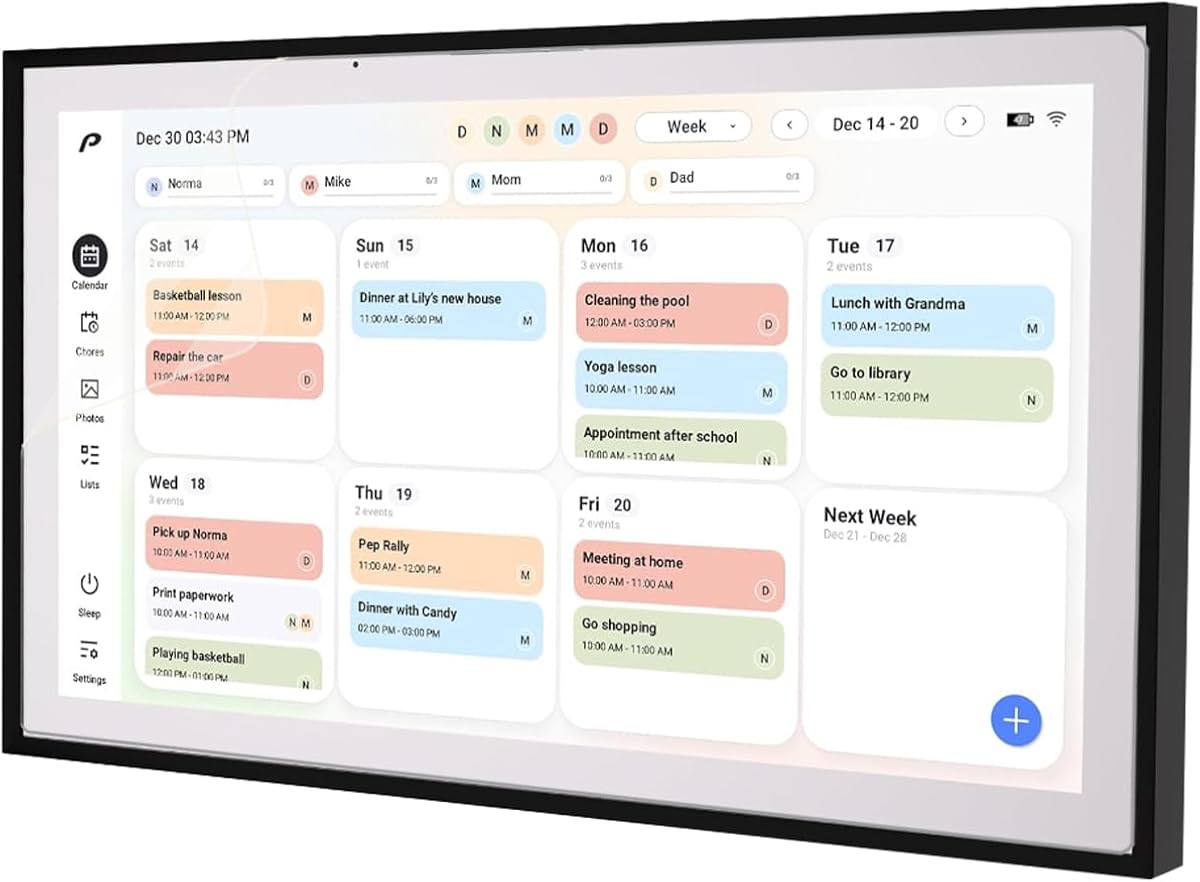
2 Pack Screen Protector for 15.6" Skylight Digital Calendar
5.0Editor score
Ultra-thin 0.15mm thickness
High definition clarity maintenance
Pack includes cleaning tool and guide
Protecting your digital calendar screen is essential for maintaining clarity and touch sensitivity over time. These protectors shield against scratches, fingerprints, and glare while preserving the original display quality for daily use.
We compared ten top-rated screen protectors based on compatibility, clarity, installation ease, and durability. Each product was analyzed for its unique features, coating technology, and suitability for different calendar models.
Every pick includes detailed specs, pros, cons, and buying advice to help you choose wisely. Note that product availability and pricing may change frequently, so verify current details before purchasing online.
5.0Editor score

4.2Editor score

3.2Editor score
As an Amazon Associate we earn from qualifying purchases.
This side-by-side comparison highlights key features across all ten protectors. Review the table to quickly identify which option matches your calendar size and protection needs.

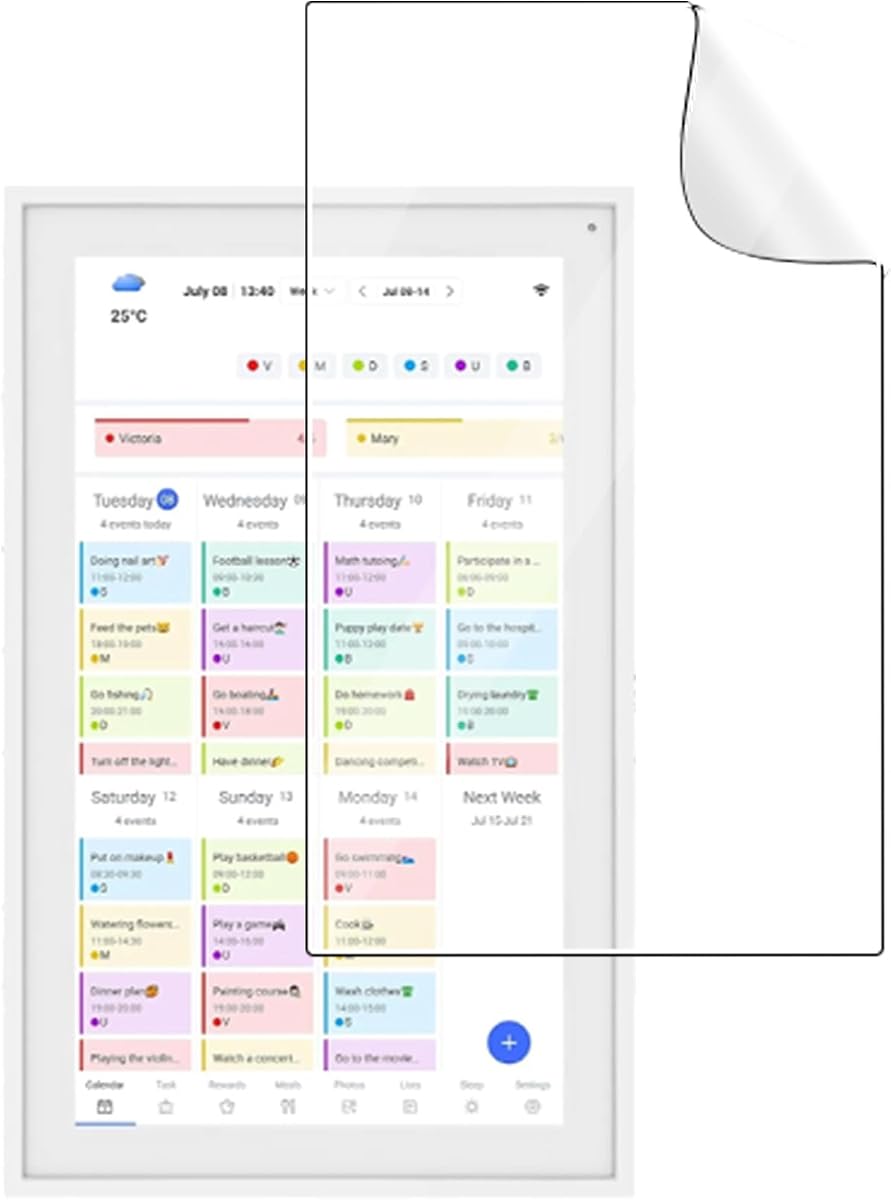

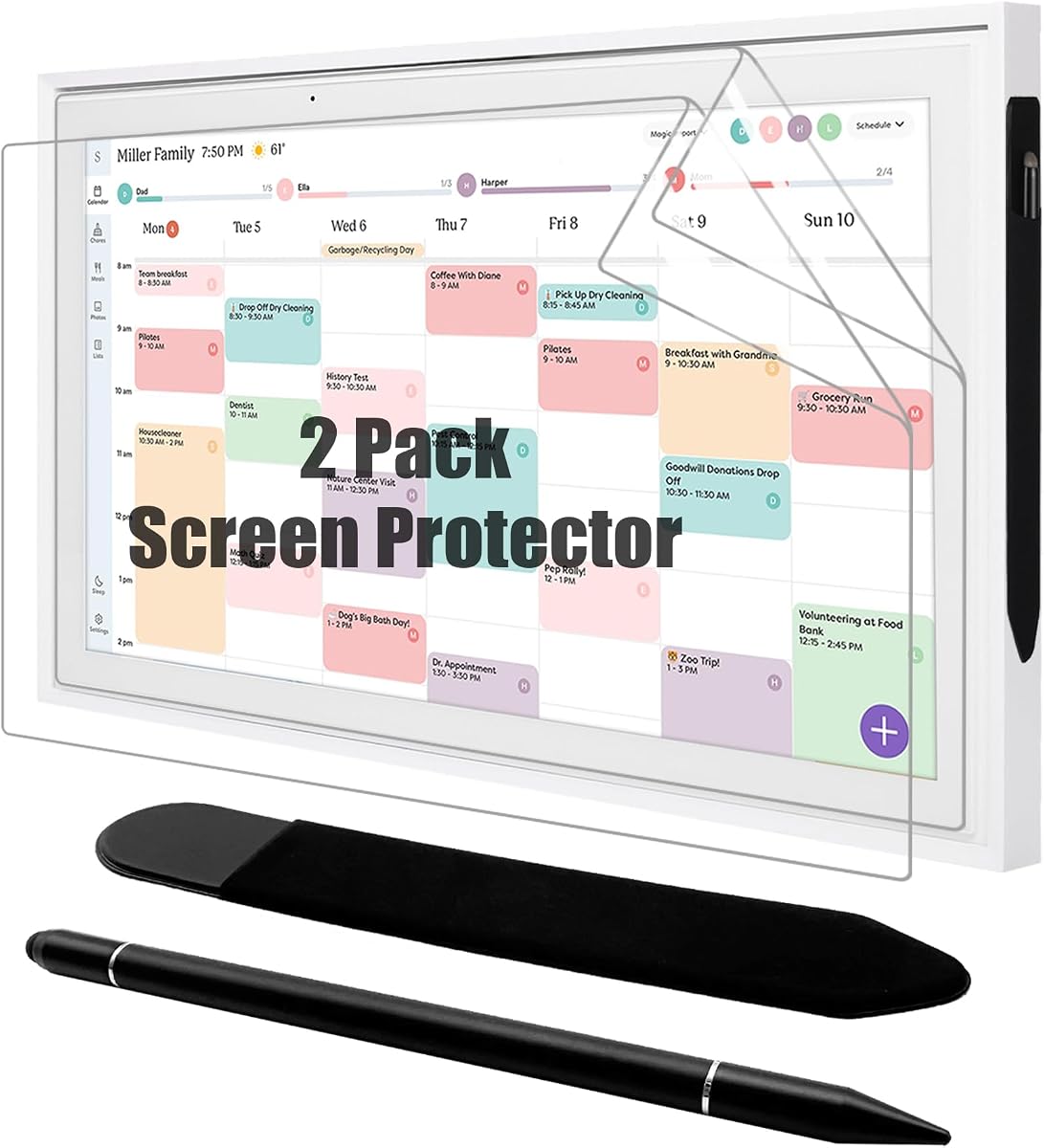


This product stands out as the top choice for families needing a complete protection kit. It offers screen protectors and a stylus designed specifically for 15-inch calendars.
We may earn a commission when you buy through this link, at no additional cost to you.
The anti-glare layer significantly reduces reflections, making the screen easier to read in bright kitchens. The hydrophobic coating keeps smudges at bay for longer periods.
Some users note that the stylus tip may wear down with heavy use, but it remains functional. The screen protectors themselves are thin enough to maintain touch sensitivity.
If you want a bundled solution that enhances functionality and protects your investment, this kit is an excellent starting point for any Smart Calendar user.
The paperfeel screen protector features an anti-glare layer that reduces reflections from natural and artificial light sources effectively.
The 3-in-1 stylus pen offers precise control with a transparent disc tip and a soft rubber tip for scrolling.
We may earn a commission when you buy through this link, at no additional cost to you.
i-Tensodo delivers premium glass protection with a 9H hardness rating suitable for high-traffic family use. It maintains high transparency to keep your display looking vivid.
We may earn a commission when you buy through this link, at no additional cost to you.
The oleophobic coating ensures fingerprints do not stick to the surface easily. The venting adhesive system helps align the protector without creating bubbles during setup.
While slightly thicker than PET films, the rounded edges prevent a sticky feel. Some users may find the installation process requires steady hands to ensure perfect alignment.
Choose this if durability and scratch resistance are your top priorities and you prefer the tactile feel of glass over plastic films.
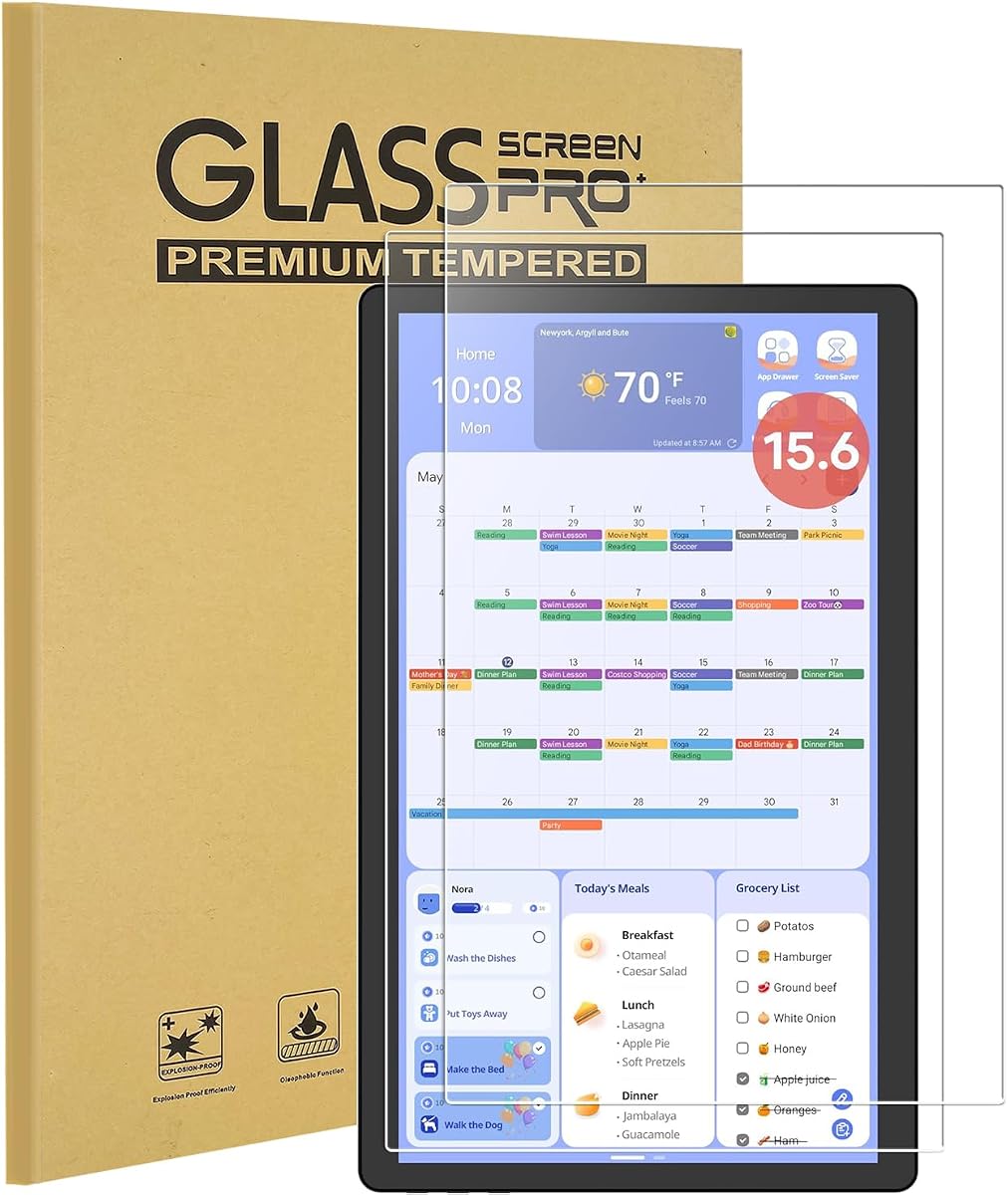
This 9H hardness screen protector is specially tempered to strengthen the surface against external scratches and impacts effectively.
Made of high-quality 0.3 mm thick premium tempered glass with rounded edges for highly compatible and sensitive touch response.
We may earn a commission when you buy through this link, at no additional cost to you.
This 2-pack provides excellent value for owners of 15.6-inch Skylight calendars. It offers ultra-thin protection that keeps the screen feeling almost untouched.
We may earn a commission when you buy through this link, at no additional cost to you.
The high-definition layer maintains the original display quality while protecting against daily wear. Installation is straightforward when you follow the included guide closely.
While the film is thin and less durable than glass, it serves as a great budget option. The included cleaning tools make setup easier for those new to screen protectors.
For families who need multiple replacements or want affordable protection, this pack is a smart choice that balances cost and functionality well.
The ultra-thin 0.15mm thickness adds no bulk to keep your screen highly touch sensitive during daily interactions.
The high-definition protective layer maintains the original display of the computer screen ensuring the best viewing experience.
We may earn a commission when you buy through this link, at no additional cost to you.
This protector is tailored specifically for the 10.1-inch Smart Digital Calendar. It ensures a perfect fit without affecting functionality or coverage around the edges.
We may earn a commission when you buy through this link, at no additional cost to you.
High transparency ensures you retain the original viewing experience while protecting against daily wear. The bubble-free adhesive simplifies installation significantly.
Users appreciate the precise laser cut that aligns perfectly with the device. However, since it is a single pack, replacements may need to be purchased separately.
If you own a 10.1-inch model, this is a dedicated solution that prioritizes fit and ease of use over bulk packaging.
Precise laser cut made with polished, high transparency highly compatible with the device to keep the original viewing experiences.
Bubble-free adhesive allows the screen protector automatically attach to your screen smoothly, it easy to install well without bubble.
We may earn a commission when you buy through this link, at no additional cost to you.
This 2-pack features a matte anti-reflective coating designed to reduce glare in bright environments. It maintains clarity while offering a smooth tactile surface.
We may earn a commission when you buy through this link, at no additional cost to you.
The precision-engineered edges ensure seamless touchscreen functionality. The included installation kit makes setup straightforward and reduces the risk of bubbles.
While the matte finish helps with glare, some users notice a slight reduction in sharpness. This is a trade-off for comfort in bright kitchens or living rooms.
Select this option if glare reduction is your priority and you prefer a smooth surface that resists fingerprints effectively.
Matte anti-reflective coating minimizes glare from sunlight or indoor lighting, allowing comfortable use outdoors or in bright environments.
Includes 2 screen protectors, microfiber cloth, squeegee, and dust removal stickers for 100% satisfaction guarantee.
We may earn a commission when you buy through this link, at no additional cost to you.
This bundle combines screen protection with a 3-in-1 stylus pen for versatile use. It features anti-reflective coating and a hydrophobic layer for durability.
We may earn a commission when you buy through this link, at no additional cost to you.
The transparent disc tip allows for precise edits while the rubber tip offers smooth scrolling. The hidden ballpoint pen adds utility for jotting notes quickly.
Some users note the stylus tip may feel less precise than dedicated tools. However, the bundle offers excellent value for families wanting enhanced interaction.
Ideal for households that write notes or manage chores visually, this bundle simplifies daily interactions with your calendar screen.
Unlock triple functionality: Transparent disc tip for sketching, soft rubber tip for scrolling, and hidden ballpoint pen for notes.
Hydrophobic and oleophobic coatings repel oils, sweat, and fingerprints to maintain a pristine screen during daily interactions.
We may earn a commission when you buy through this link, at no additional cost to you.
Designed for Cozyla Digital Calendar+ 2 users, this protector offers HD clarity and high scratch resistance. It ensures long-lasting protection against daily wear and tear.
We may earn a commission when you buy through this link, at no additional cost to you.
The ultra-tough surface ensures durability while maintaining the visual quality of the screen. The oleophobic coating prevents unsightly fingerprints from showing up easily.
Installation requires a clean environment to avoid dust bubbles. Users should double-check their device model before purchasing to ensure compatibility.
This is a reliable choice if you own a Cozyla model and prioritize glass protection that keeps the display looking fresh.
This tempered glass screen protector offers crystal clear transparency for optimal viewing experience without affecting the display.
The ultra-tough surface ensures long-lasting protection against daily wear and tear while the oleophobic coating prevents smudges.
We may earn a commission when you buy through this link, at no additional cost to you.
This premium protector focuses on eye health for large 27-inch displays. It blocks blue light and glare to help relieve eye strain during long sessions.
We may earn a commission when you buy through this link, at no additional cost to you.
The oleophobic layer resists water and oils effectively. True tactile sensitivity ensures the touchscreen remains responsive during use.
User feedback is mixed regarding the installation process. Ensure your device is 27 inches before purchasing since this is not a universal solution.
If you spend hours reading or viewing schedules on a large wall screen, this option offers targeted protection for comfort and eye health.
The screen blue light blocker has a high blue light blocking rate to help relieve your eyes strain caused by using the device.
True tactile sensitivity provides a natural feel and perfect touchscreen accuracy while the 5H hardness provides maximum scratch resistance.
We may earn a commission when you buy through this link, at no additional cost to you.
BoxWave offers a matte film designed to disperse light and protect against UV rays. The smooth surface provides a comfortable touch experience for users.
We may earn a commission when you buy through this link, at no additional cost to you.
The glueless adhesive prevents sticky residue during removal. It is precision-cut to fit the Dragon Touch model exactly for perfect coverage.
However, user ratings indicate potential installation challenges. Some buyers may experience bubbles or adhesion issues that could be frustrating.
If you prefer a paper-like feel and need two protectors, this is an option, but verify compatibility carefully before purchasing.
The ClearTouch Anti-Glare REDUCES 90% UV rays, protecting your eyes whether you're using your device outdoors with natural lighting.
The special GLUELESS adhesive will never leave any sticky residue that may damage your screen during removal.
We may earn a commission when you buy through this link, at no additional cost to you.
This HD film is designed specifically for 10.1-inch Dragon Touch calendars. It offers high transparency to preserve the screen's vibrant viewing experience.
We may earn a commission when you buy through this link, at no additional cost to you.
The glueless adhesive allows for residue-free application. It includes a full application kit to help users achieve a clean installation.
Initial air bubbles may take up to 48 hours to clear fully. This is a normal part of the settling process for this type of adhesive.
Choose this if you prioritize transparency and want a dedicated protector for your 10.1-inch model.
Provides up to 99% visual clarity for a clear, vibrant viewing experience with a smooth, glass-like surface.
Features a glueless adhesive that adheres smoothly to the screen and removes cleanly without leaving residue.
We may earn a commission when you buy through this link, at no additional cost to you.
Selecting the right protector involves checking compatibility, material, and special features to match your device and lifestyle needs.
Ensure the protector matches your calendar's dimensions exactly. Check for 10.1, 15, or 27-inch options before purchasing.
Mismatched sizes will not fit properly and can leave edges exposed.
Glass protectors offer higher scratch resistance but are thicker. PET films are thinner and more flexible for touch sensitivity.
Choose glass for durability or PET for a lighter feel.
Matte coatings reduce glare in bright kitchens but may slightly lower screen sharpness. Glossy options keep colors vibrant but reflect light.
Pick anti-glare if your calendar sits near windows.
Some protectors are designed to work with S Pen or stylus tips. Others may cause drag or resistance when writing.
Verify that your stylus works smoothly with the chosen protector.
Look for kits that include cleaning cloths and dust stickers. These tools help prevent bubbles during application.
Easy installation reduces frustration and ensures better results.
Oleophobic coatings repel oils and fingerprints effectively. Hydrophobic coatings also protect against water and sweat.
A good coating keeps your screen looking clean for longer.
Buying 2-packs offers value in case one protector fails. A single pack might be sufficient if you only need one.
Assess how often you replace accessories before deciding.
Check if the seller offers warranty or support in case of defects. Good service ensures you are covered if issues arise.
Reliable support adds peace of mind to your purchase.
Clean the screen thoroughly with a microfiber cloth before applying the protector to remove all dust and oils.
Align the protector slowly and press from the center outwards to prevent air bubbles from forming during installation.
Regularly wipe the surface with a soft cloth to keep it free of smudges and maintain clear visibility.
High-quality protectors are designed to maintain touch sensitivity. However, thicker glass protectors may reduce responsiveness slightly compared to PET films. Always check product specs for touch compatibility details before buying.
Some protectors are specifically designed to work with stylus pens. Glass protectors may offer better precision, while PET films can be smoother. Check the product features for stylus compatibility notes.
Use a soft microfiber cloth to wipe away dust and fingerprints. Avoid using harsh chemicals or paper towels that could scratch the coating. Regular cleaning ensures clear visibility and smooth touch interaction.
Most protectors have permanent adhesive and cannot be reused once removed. Attempting to reapply may result in dust getting trapped. It is usually better to apply a new protector instead.
Anti-glare protectors use a matte finish to reduce light reflections and eye strain. HD clear protectors prioritize maximum light transmission for vibrant visuals but may reflect more light. Choose based on your environment lighting.
Clean the screen thoroughly and remove dust stickers carefully before application. Peel the backing slowly and align the edges before pressing down. Use a squeegee to push out any trapped air bubbles gently.
Choosing the right protector depends on your calendar model and usage habits. Prioritize compatibility to ensure a perfect fit without obstructing buttons or sensors.
Consider whether you prefer glass durability or PET film flexibility. Anti-glare features help in bright spaces but may slightly reduce clarity.
Always check the latest prices and availability on Amazon before purchasing. Prices change frequently so comparing deals helps you save money.