
ASUS TUF F16 RTX 4050
4.0Editor score
Intel Core 5 210H
NVIDIA RTX 4050 Graphics
16 Inch FHD Plus Display
Selecting the right laptop for Fusion 360 is crucial for engineers and designers who need smooth performance for complex 3D modeling and rendering tasks without lag.
We compared ten real products based on processor power, graphics capabilities, memory capacity, and build quality to help you find a machine that handles demanding CAD projects efficiently.
Each pick shows specific strengths for different needs, from budget-friendly options to high-performance workstations, though availability and terms may change so verify details before purchasing.
4.0Editor score

4.5Editor score
4.0Editor score
As an Amazon Associate we earn from qualifying purchases.
This side-by-side comparison highlights key specifications across all ten selected laptops to help you quickly identify which model meets your specific CAD performance requirements.




This HP Victus model stands out as a top choice for Fusion 360 due to its robust 8-core processor and dedicated NVIDIA RTX graphics which handle complex assemblies smoothly.
We may earn a commission when you buy through this link, at no additional cost to you.
The 32GB of RAM ensures that you can run Fusion alongside other productivity tools without slowdowns, while the 1TB SSD provides ample space for large project files.
While the battery life is decent, intensive modeling tasks will drain it faster, so keeping it plugged in during work sessions is recommended for consistent performance.
This laptop is ideal for students and professionals needing reliable power without breaking the bank, offering a balanced mix of performance and value for CAD work.
The 8-core Intel i5 processor allows seamless switching between design apps, browsers, and communication tools during busy engineering workflows.
NVIDIA RTX 3050 graphics provide smooth real-time rendering and viewport navigation essential for detailed 3D modeling in Fusion 360.
We may earn a commission when you buy through this link, at no additional cost to you.
The ASUS TUF F16 offers premium specs including DDR5 RAM and a newer RTX 4050 GPU which accelerates rendering and simulation tasks significantly.
We may earn a commission when you buy through this link, at no additional cost to you.
Its 16 inch display provides more screen real estate for tool palettes and design views, enhancing productivity during long modeling sessions.
The included laptop cooler helps maintain performance during heavy use, though the fans can be audible when the system is under full stress.
Choose this if you need top tier speed and screen quality for professional CAD work and can invest in higher end hardware.
DDR5 RAM delivers faster data throughput compared to DDR4, reducing lag when loading large assemblies or complex textures.
The RTX 4050 supports modern ray tracing and acceleration features that improve viewport responsiveness in demanding CAD environments.
We may earn a commission when you buy through this link, at no additional cost to you.
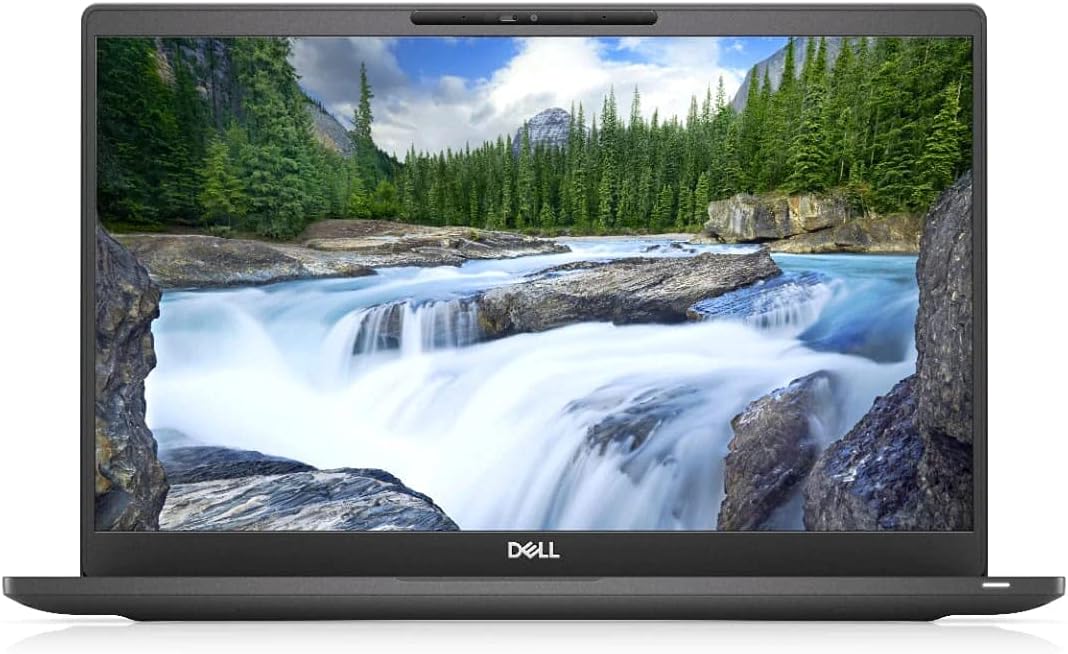
This renewed Dell Latitude offers surprising value with 32GB of RAM which is critical for running Fusion 360 smoothly even on an older i7 CPU.
We may earn a commission when you buy through this link, at no additional cost to you.
The integrated graphics are capable for basic modeling but might struggle with heavy rendering, making it best for lighter design work.
Its lightweight chassis makes it easy to carry to classes or meetings, and the FHD screen provides clear text and details for precise editing.
It is a smart choice for those needing maximum RAM on a budget who do not require high end dedicated graphics power.
The 32GB RAM allocation ensures smooth multitasking and prevents freezing when working with large files despite the older processor generation.
The compact 14 inch design and durable build make it ideal for students or remote workers who need mobility without sacrificing memory capacity.
We may earn a commission when you buy through this link, at no additional cost to you.
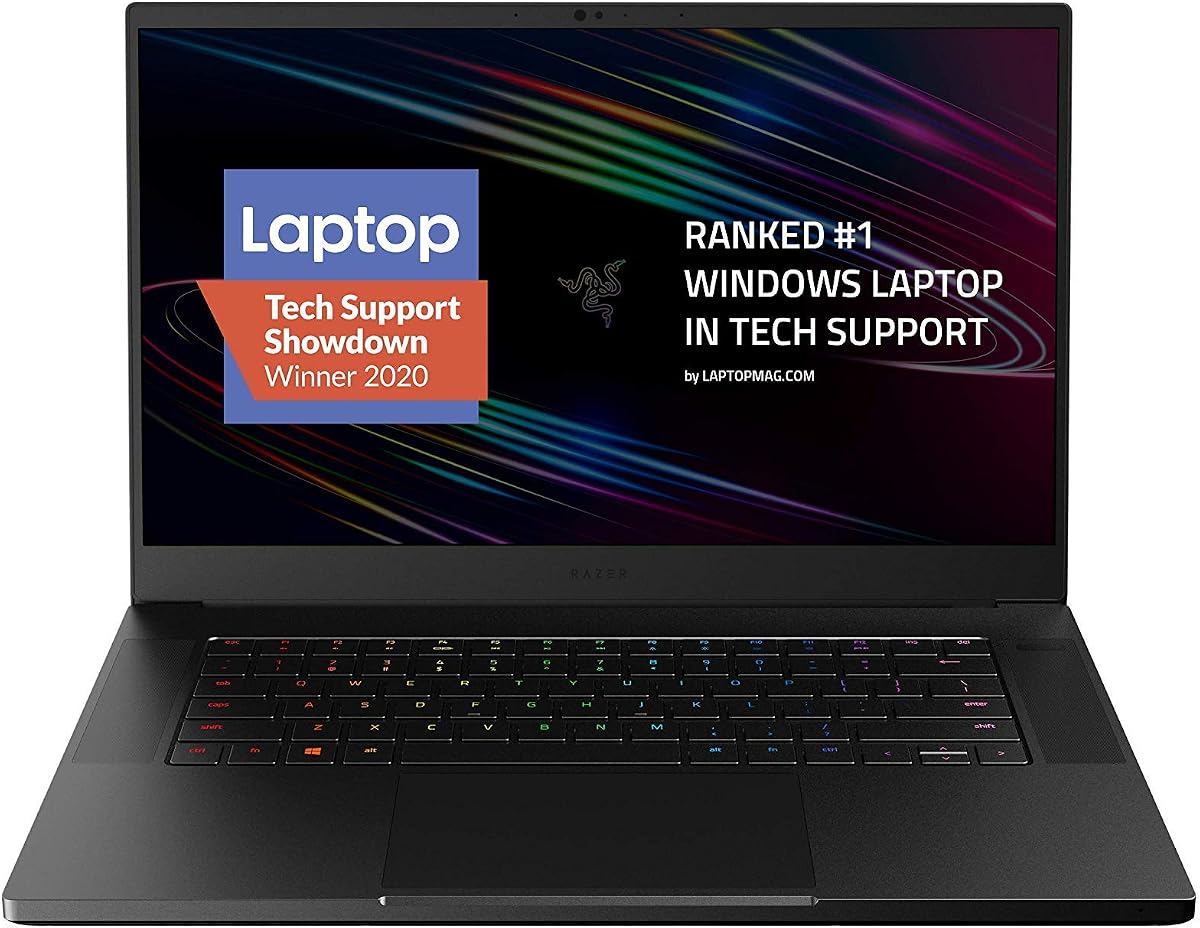
The Razer Blade 15 combines a premium aluminum body with strong performance, making it a stylish and capable tool for CAD work.
We may earn a commission when you buy through this link, at no additional cost to you.
Its RTX 2070 Super GPU handles rendering tasks well, and the high refresh rate display ensures smooth panning and zooming in complex models.
However, the cost is high compared to other options with similar raw power, and battery life may not last a full work day unplugged.
This machine suits users who want a sleek, durable device that balances professional looks with serious processing power.
The CNC aluminum unibody frame provides robust protection against wear and tear while maintaining a slim profile for travel.
The 300Hz screen reduces motion blur during navigation, making it easier to inspect details in rotating 3D models.
We may earn a commission when you buy through this link, at no additional cost to you.
This ASUS TUF model is built to withstand rugged use and delivers consistent performance thanks to its efficient cooling and strong CPU.
We may earn a commission when you buy through this link, at no additional cost to you.
The GTX 1650 handles entry level 3D tasks well though it may struggle with ray tracing compared to newer RTX cards.
It comes with Windows 10 but can be upgraded to Windows 11 for better compatibility with newer Fusion updates.
A great pick for those who need a durable laptop for daily use without paying for the newest flagship specs.
The MIL-STD-810G certification ensures the laptop can endure shocks and vibrations that might occur during transport.
The cooling system keeps temperatures in check during rendering tasks maintaining performance without excessive throttling.
We may earn a commission when you buy through this link, at no additional cost to you.
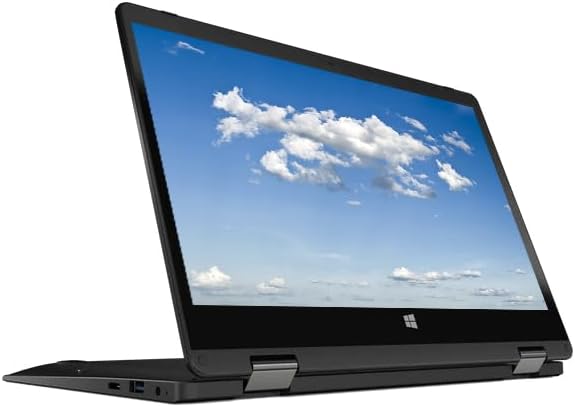
This budget convertible offers touchscreen interaction which can be useful for annotating designs though it may lag on heavy projects.
We may earn a commission when you buy through this link, at no additional cost to you.
The 8GB RAM allows for basic multitasking but users might find it restrictive when working with large assemblies in Fusion.
It is best suited for students starting out or those who need a secondary device for light viewing and reviewing tasks.
Consider this only if you have strict budget constraints and can upgrade storage or rely on cloud solutions for files.
The HD touchscreen allows direct interaction with the interface which can speed up certain annotation and review tasks.
The 360 degree hinge allows flexible viewing angles making it easier to use in cramped spaces or for presentations.
We may earn a commission when you buy through this link, at no additional cost to you.
The Acer Gateway is extremely compact and portable, making it easy to carry but limited for heavy Fusion tasks due to low memory.
We may earn a commission when you buy through this link, at no additional cost to you.
Its IPS touchscreen provides decent color accuracy and viewing angles, but the 4GB RAM will likely cause slowdowns with complex models.
It is a good backup option for checking designs on the go but not suitable for primary production work.
Users should be prepared to manage storage carefully and avoid running multiple apps simultaneously.
The small 11.6 inch size makes this one of the most travel friendly options available for quick checks.
The 360 degree hinge allows the device to be used as a tablet for drawing or note taking during meetings.
We may earn a commission when you buy through this link, at no additional cost to you.
This Chromebook offers impressive battery and speed for web tasks but cannot run the desktop version of Fusion directly.
We may earn a commission when you buy through this link, at no additional cost to you.
Users must rely on browser based CAD tools which may lack advanced features available in the native desktop application.
It is suitable for light viewing and collaboration tasks but not for serious 3D modeling workflows.
Consider this only if your workflow is entirely cloud based and you prioritize portability over raw computing power.
Chrome OS optimizes the device for browser based workflows ensuring smooth performance for web applications and video calls.
The efficient processor and small battery size allow for full day usage without needing a power outlet during travel.
We may earn a commission when you buy through this link, at no additional cost to you.
The Spin 513 features a rugged Gorilla Glass display and solid battery life but similar to other Chromebooks it lacks desktop Fusion support.
We may earn a commission when you buy through this link, at no additional cost to you.
Its Qualcomm processor supports mobile apps well but cannot handle heavy Windows software requirements for advanced CAD.
This is a great device for communication and light document editing but not for 3D design work.
Choose this for a portable companion device where cloud access is sufficient for your needs.
Corning Gorilla Glass on the touchscreen adds resistance against scratches and drops making it durable for active users.
The 360 hinge allows easy transition to tablet mode which is helpful for consuming media or taking notes.
We may earn a commission when you buy through this link, at no additional cost to you.
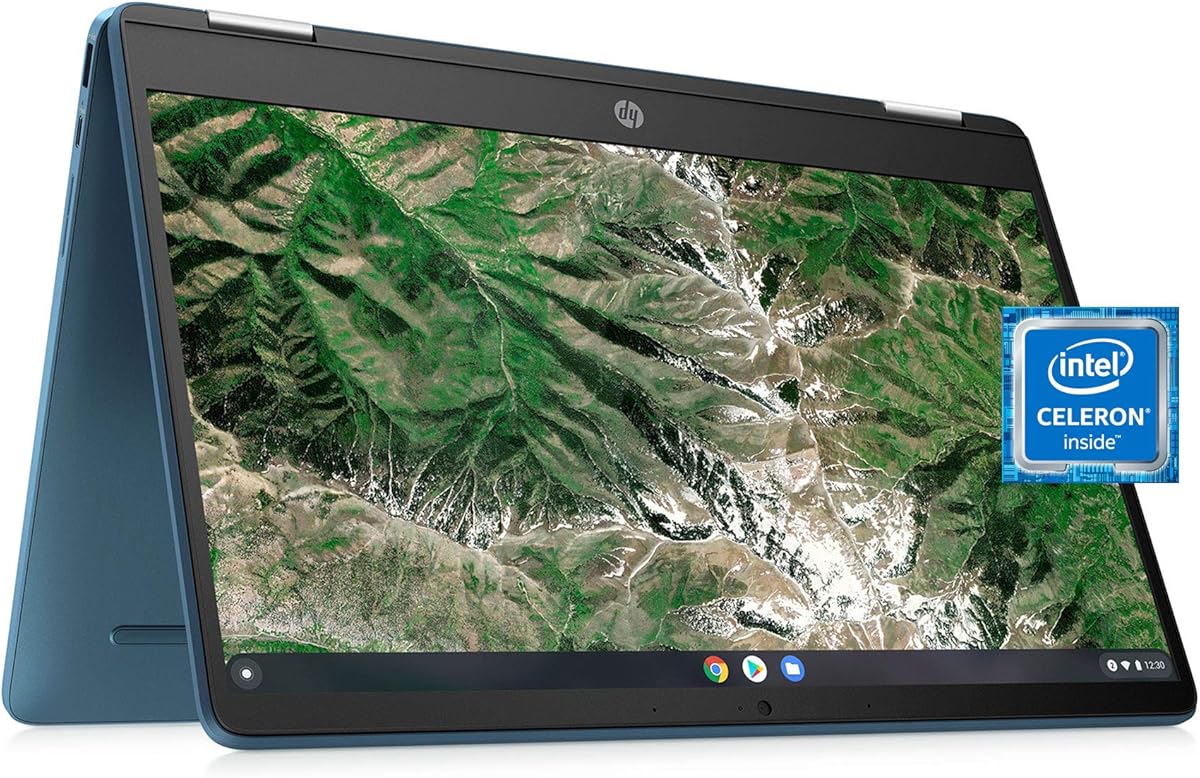
This Chromebook provides a simple interface and decent display for browsing and media consumption but lacks the power for Fusion.
We may earn a commission when you buy through this link, at no additional cost to you.
Its Intel Celeron processor handles basic tasks well but will struggle with any heavy rendering or multitasking workloads.
It is best for students or casual users who primarily access cloud based design tools or documentation.
For serious engineering work you will need a laptop with more RAM and a dedicated graphics processor.
The intuitive interface and fast boot times make it easy to jump into web based tasks quickly without waiting.
The 360 degree rotation allows you to prop the screen in tent mode which is useful for viewing reference diagrams.
We may earn a commission when you buy through this link, at no additional cost to you.
Selecting the right hardware requires balancing power with budget to ensure smooth operation during your design workflows.
Fusion 360 relies heavily on single core speed but benefits from multi core performance when rendering or running simulations.
Look for at least a quad core processor with high base frequencies to ensure responsiveness in daily tasks.
A dedicated GPU significantly improves viewport performance and speeds up rendering tasks compared to integrated graphics solutions.
Models with NVIDIA RTX series cards are recommended for professional work involving complex assemblies and visualizations.
Memory is critical for handling large assemblies and switching between applications without lag.
Aim for 16GB or more to ensure your system remains stable under heavy workloads.
Solid State Drives are essential for quick project loading and system responsiveness.
Ensure you have enough space for large files and backups, ideally 512GB or higher.
A Full HD screen with good color accuracy helps in precise modeling and reduces eye strain.
Look for IPS panels to maintain consistent colors from different viewing angles.
Balancing weight with thermal design is important if you travel often for work.
Gaming laptops often offer more power but at the cost of weight and battery life.
Heavy 3D tasks drain batteries quickly so plan to have access to power during work sessions.
Choose models with efficient processors if you need to work unplugged for extended periods.
Having multiple USB ports and HDMI outputs helps when connecting external monitors and peripherals.
Ensure the laptop supports fast data transfer speeds for moving large design files.
Keep your cooling vents clear of dust and debris to maintain optimal thermal performance during long design sessions.
Use a high quality external monitor when possible to maximize workspace and reduce strain on the laptop screen.
Regularly update your graphics drivers to ensure compatibility with the latest Fusion features and bug fixes.
While basic modeling can work with integrated graphics, a dedicated GPU is recommended for smooth performance with complex assemblies and rendering tasks.
16GB is the minimum recommended to handle standard projects comfortably, but 32GB offers better longevity and smoother multitasking.
Fusion 360 does not run natively on Chrome OS so you would need to use a Windows or Mac device for full functionality.
Touch screens are helpful for navigation and annotation but most precision modeling is done with a mouse and keyboard.
A 4K screen is not necessary and can actually strain the GPU; a high quality 1080p or 1440p display is usually sufficient.
Expect 5 to 8 hours of general use, but rendering or modeling will significantly reduce this time so always keep a charger nearby.
The HP Victus and ASUS TUF F16 stand out as top performers balancing power and price for most users.
Prioritize RAM and graphics capabilities when selecting your machine to ensure it meets your project demands.
Always verify current availability and terms before purchasing to get the best value for your specific needs.