
Seagate IronWolf 4TB NAS Internal Hard Drive
4.5Editor score
Optimized for NAS environments
IronWolf Health Management
Rescue Data Recovery Services
Building a robust media server requires careful hardware selection to ensure smooth streaming and reliable storage. Choosing the right hard drive for your Jellyfin setup is crucial for performance and longevity of your media library.
We analyzed ten top-rated hard drives focusing on capacity, speed, workload rating, and compatibility with NAS systems. Each product was evaluated based on real-world performance metrics and user feedback to ensure reliability.
Each pick highlights specific strengths like NAS optimization, video workload handling, or cost efficiency for your needs. Prices and availability change frequently, so always verify current details before making a final purchasing decision.
4.5Editor score

4.7Editor score
4.2Editor score
As an Amazon Associate we earn from qualifying purchases.
This table provides a side-by-side comparison of all ten selected hard drives to help you quickly assess capacity, speed, and suitability for your Jellyfin media server environment.




This Seagate 8TB BarraCuda drive offers robust storage capacity ideal for extensive media libraries. With a rating of 4.7 stars, it stands out for reliable performance in desktop environments.
We may earn a commission when you buy through this link, at no additional cost to you.
The sustained transfer rate of 190MB/s ensures smooth streaming of high-resolution videos. Its proven reliability makes it a confident choice for storing critical files and media content.
While not specifically built for NAS arrays, its performance in single-drive setups is commendable. The packaging is frustration-free but may lack cables for direct connection without extra parts.
Buy this if you need high capacity in a desktop PC for personal media storage. It balances speed and reliability well for most home server applications.
Designed for varied applications including video and gaming this drive handles high workloads efficiently.
Standard SATA interface ensures easy installation into existing desktop systems without complex configuration.
We may earn a commission when you buy through this link, at no additional cost to you.
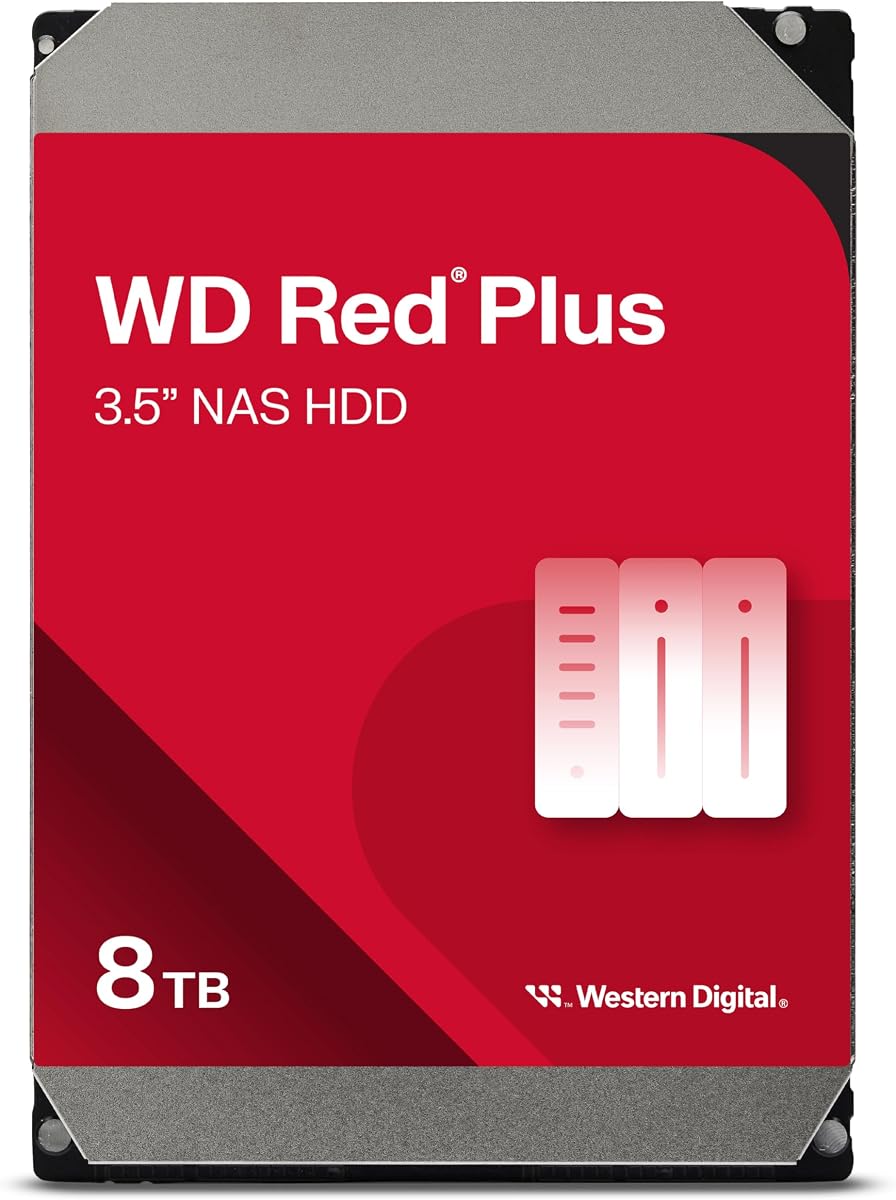
The WD Red Plus is engineered for NAS environments ensuring stable and efficient data storage. It supports up to 8 bays making it scalable for growing media libraries.
We may earn a commission when you buy through this link, at no additional cost to you.
With CMR technology and a high workload rate it minimizes data loss risks during heavy use. This makes it ideal for professional or serious home server setups.
Its cost is higher than standard drives but the reliability pays off in long-term usage. Warranty support adds peace of mind for critical media storage needs.
Choose this for robust NAS deployments where data integrity and uptime are paramount. It excels in multi-drive environments requiring consistent performance.
NASware firmware ensures compatibility and stability in multi-drive server configurations.
Supports annual workload rates that accommodate frequent read/write operations without degradation.
We may earn a commission when you buy through this link, at no additional cost to you.
IronWolf drives are purpose-built for NAS enclosures offering reliability and performance for shared storage. With 4TB capacity it suits medium-sized media libraries well.
We may earn a commission when you buy through this link, at no additional cost to you.
The integrated IronWolf Health Management system allows easy monitoring of drive condition. This proactive approach helps prevent failures and extend hardware lifespan significantly.
Though not the highest capacity option its reliability and recovery services add value. It provides a balanced choice for budget-conscious NAS builders.
Ideal for small NAS setups requiring dependable storage without excessive cost. The included rescue services offer extra security for important media files.
Integrated systems track drive performance to alert users before potential issues occur.
Designed for multi-user environments delivering consistent access with minimal lag or downtime.
We may earn a commission when you buy through this link, at no additional cost to you.
This external drive offers flexible storage with USB-C compatibility for various systems. The bus-powered design simplifies setup by eliminating need for wall outlets.
We may earn a commission when you buy through this link, at no additional cost to you.
It stores massive amounts of data making it suitable for portable media libraries or backups. The included recovery services provide safety net against accidental data loss.
External drives may lack the speed of internal SATA but convenience is key here. Its compact footprint fits well in varied home office spaces.
Choose for portable media access or backup solutions requiring plug-and-play simplicity. Ideal where internal drive installation is not feasible.
One port and cord setup enables quick connection to most computers easily.
High capacity in a compact form factor makes it perfect for on-the-go media access.
We may earn a commission when you buy through this link, at no additional cost to you.
This 2.5 inch drive is designed for mobile and compact desktop setups. Its thin profile allows easy integration into space-constrained systems.
We may earn a commission when you buy through this link, at no additional cost to you.
With 1TB capacity it serves well for smaller media collections or system caching. The lightweight build supports portable applications without adding bulk.
While not suited for large-scale media servers its reliability remains strong for personal use. It transitions smoothly from standard laptop drive upgrades.
Select for compact setups where space is limited but SATA interface is required. Perfect for small NAS units needing minimal footprint.
Thin 7mm profile fits into laptops and small chassis without compromising functionality.
Stores up to 200,000 photos making it great for media archives.
We may earn a commission when you buy through this link, at no additional cost to you.
This drive delivers massive storage capacity suitable for extensive media libraries requiring minimal external hardware. With 7200 RPM it offers fast data access for smooth streaming.
We may earn a commission when you buy through this link, at no additional cost to you.
Included Acronis cloning software simplifies migration to larger drives without data loss. The 512MB cache enhances performance during heavy read/write cycles.
While it costs more its capacity reduces need for multiple drives in large setups. Ideal for single-drive high capacity needs.
Choose for massive local storage without complex RAID configurations. Best where speed and capacity are prioritized over multi-drive NAS optimization.
Supports up to 12TB of data allowing storage of vast media collections.
Free software simplifies drive replacements ensuring seamless data migration and setup.
We may earn a commission when you buy through this link, at no additional cost to you.
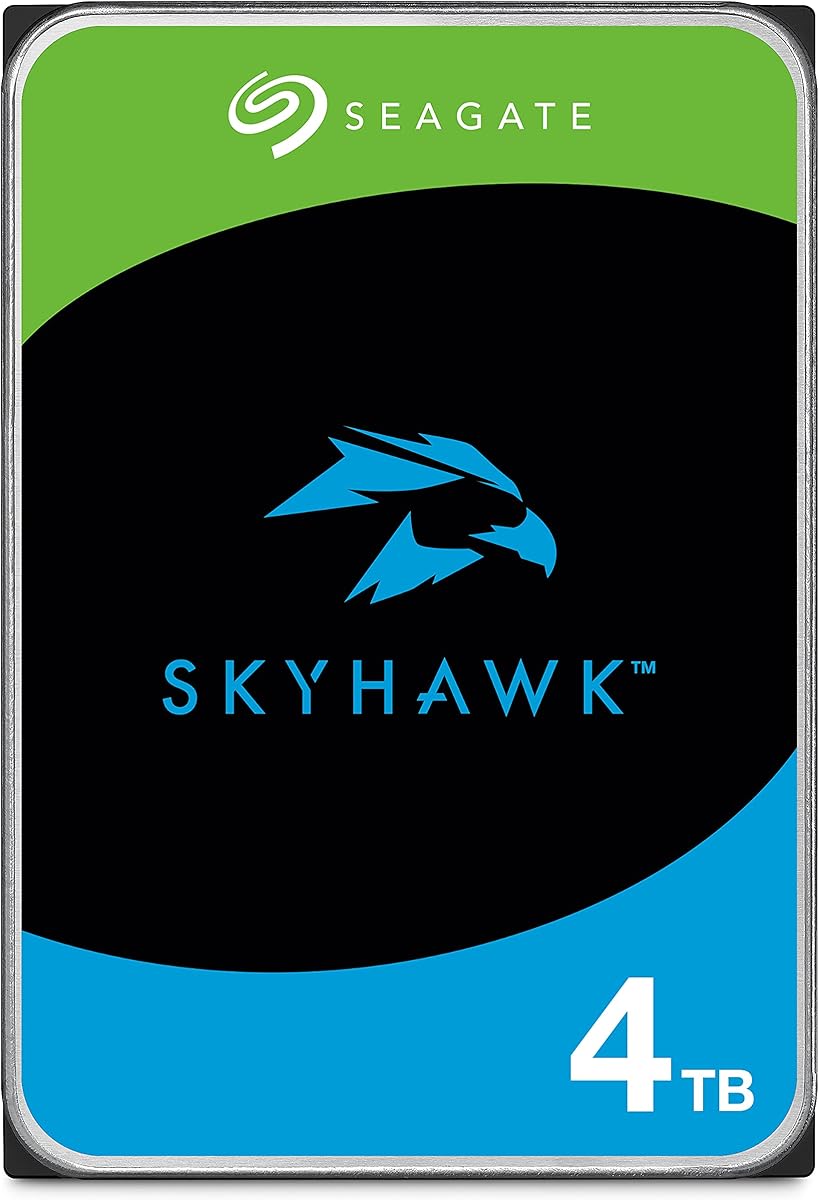
Skyhawk drives are tailored for continuous video workloads making them reliable for 24×7 streaming. This suits media servers with constant read operations well.
We may earn a commission when you buy through this link, at no additional cost to you.
RV sensors maintain performance even in multi-bay environments reducing risk of failure. The lower power draw helps manage server heat levels effectively.
Designed for surveillance but effective for media due to write optimization. The included health tools monitor drive condition proactively.
Select for environments needing sustained write performance like live streaming servers. Ideal when reliability in 24×7 usage is priority.
Designed for up to 180TB/year of continuous video data streaming reliably.
Built-in tools track drive health to prevent unexpected downtime or data loss.
We may earn a commission when you buy through this link, at no additional cost to you.
WD Purple drives are engineered for surveillance systems with write-intensive workloads. Their 6TB capacity suits media storage needing constant data streaming.
We may earn a commission when you buy through this link, at no additional cost to you.
AllFrame AI technology boosts performance enabling smoother playback and less dropped frames. Supports multi-bay setups giving flexibility for expansion needs.
While tailored for recording its reliability benefits media streaming setups requiring stable performance. Ensures data integrity under continuous operation load.
Pick for servers with heavy write activity or live media feeds. Best when write reliability matters most than read optimization.
AllFrame AI improves recording quality and stream stability under heavy workloads.
Supports multiple bays enabling scalable storage solutions for growing data needs.
We may earn a commission when you buy through this link, at no additional cost to you.
This drive uses Image Perfect firmware optimized for crisp video playback and writing. It supports up to 10TB capacity making it adaptable for varied storage needs.
We may earn a commission when you buy through this link, at no additional cost to you.
RV sensors help stabilize performance in multi-drive configurations reducing potential wear and noise. The workload rating ensures reliability under continuous streaming demands.
Priced as a value option it provides excellent performance without premium costs. Rescue services add extra data security layer for media libraries.
Select for value-focused media servers needing robust surveillance-grade reliability. Ideal when balanced performance and price are priority.
Optimized firmware ensures clear video playback and reliable data writing performance.
Rotational sensors reduce vibration improving stability in multi-drive arrays.
We may earn a commission when you buy through this link, at no additional cost to you.
IronWolf 6TB is tailored for NAS servers providing reliable storage for media libraries. With 5400 RPM it balances speed and power efficiency for 24×7 use.
We may earn a commission when you buy through this link, at no additional cost to you.
Its 256MB cache improves data access times during streaming operations. Supports RAID setups well offering flexibility in data management strategies.
Priced reasonably for NAS use it offers strong value for home server setups. The included recovery services protect against unexpected drive failure.
Choose for scalable NAS environments needing reliable performance and moderate capacity. Ideal for growing media libraries needing robust support.
Built specifically for NAS servers ensuring compatibility and stability in network setups.
Balanced RPM ensures efficient power consumption reducing heat and noise levels.
We may earn a commission when you buy through this link, at no additional cost to you.
Selecting the right hard drive for your Jellyfin server requires careful consideration of various technical and practical factors to ensure optimal streaming performance.
Consider how large your media library is and will grow over time. Larger capacities reduce need for frequent upgrades and accommodate 4K or Blu-ray content.
Aim for minimum 4TB for growing libraries while 8TB or more suits extensive collections without needing multiple drives.
Choose between desktop NAS or surveillance drives based on server environment. NAS drives support RAID and 24×7 operation better than standard desktop models.
Surveillance drives offer high write performance useful for continuous streaming but may lack multi-bay support found in NAS options.
SATA interfaces are standard for internal drives offering good speeds for media streaming. USB connections provide portability but may limit speed and reliability.
Ensure connection type matches your server hardware and case specifications to avoid compatibility issues during installation.
Higher RPM generally means faster data access speeds beneficial for smooth playback of high-resolution files. Cache size affects ability to handle multiple streams or simultaneous requests.
Look for drives with at least 64MB cache to maintain performance during heavy media access.
Workload rating indicates maximum data transfer amount drive handles annually without failing. Higher ratings mean longer lifespan for continuous server use.
Select drives rated for 24×7 operation to ensure reliability in media servers running constantly.
A solid warranty reflects manufacturer confidence in product reliability and longevity for server use. Data recovery services add valuable protection against accidental data loss.
Check warranty duration and what it covers to avoid unexpected replacement costs if drive fails.
Balance performance features with cost to find best value for your specific needs. Premium drives offer better reliability but may not be needed for small setups.
Consider cost per terabyte and included features like recovery services when evaluating total value.
Drives consume different amounts of power and generate varying heat affecting server cooling and energy costs. Lower power models help reduce operational expenses over time.
Check power ratings and thermal design to ensure compatibility with your server cooling setup.
Install the hard drive securely in your server case ensuring cables are properly connected to SATA ports and power supply. Use appropriate brackets or screws to prevent vibration damage.
Initialize and format the drive using your server's operating system tools before mounting as a media library. Ensure correct file system settings for optimal performance and compatibility.
Regularly monitor drive health using built-in tools or third-party software to detect early signs of failure. Keep firmware updated and maintain adequate cooling to extend drive lifespan.
Yes, standard desktop hard drives can work for Jellyfin but may lack durability for 24×7 operation. NAS-optimized drives are recommended for servers needing constant uptime and higher reliability.
Storage needs vary based on media quality and library size. For HD content 4TB may suffice but 8TB or more is advisable for 4K libraries to avoid running out of space soon.
SSDs offer faster read speeds and are quieter but are more expensive per TB. HDDs are better for large media libraries where speed is less critical than capacity and cost.
RAID improves data redundancy and reliability but is not required for all setups. Single drives work fine for personal use while RAID protects against failure in shared server environments.
Mixing brands is possible but may reduce performance or cause compatibility issues. Using same model drives ensures consistent performance and better support from NAS software systems.
NAS drives are optimized for read/write balance in server arrays while surveillance drives focus on continuous writing. Both suit media servers but NAS models better support multi-bay setups.
Use SMART tools built into most operating systems to check drive status. Install plugins or apps that integrate with Jellyfin to get alerts for potential failures or errors.
External USB drives can work but internal SATA drives offer better speed and reliability. Ensure stable power supply and backup important media to avoid data loss from disconnection.
Choosing the right hard drive for Jellyfin balances capacity speed and reliability to suit your media server needs. The top picks provide strong options across budget and performance levels for varied setups.
Prioritize NAS or surveillance optimized drives for long-term server use and ensure compatibility with your system's interface and power requirements. Regular maintenance and monitoring will extend drive lifespan.
Always check current prices and availability before purchasing as these can fluctuate quickly. Invest in quality storage to protect your media library and ensure uninterrupted streaming for years.