
KEANBOLL 2 Pack Tempered Glass Screen Protector Compatible with 2026 MacBook Neo 13-Inch
4.2Editor score
9H hardness rating for durability
Crystal clear transparency
Fits A3404 model
This guide compares the top 10 MacBook Neo Tempered Glass Screen Protector options for 2026, evaluating clarity, hardness, fit, and installation ease to help
Protecting your MacBook Neo display is essential for maintaining its pristine condition and ensuring longevity. A high-quality tempered glass screen protector offers robust defense against scratches, fingerprints, and daily wear without compromising visual clarity or touch responsiveness on your device.
We evaluated ten leading products based on compatibility with the 2026 MacBook Neo model, hardness ratings, optical clarity, and ease of installation. Each option was assessed for its ability to provide seamless coverage while preserving the original look and feel of your laptop screen.
Our detailed reviews highlight the unique strengths and potential trade-offs of every pick to help you choose confidently. Keep in mind that availability and pricing may shift over time, so verify current details before making your final purchase decision for your specific model.
4.2Editor score
4.5Editor score

4.4Editor score
The following comparison table outlines the key specifications of each selected product to help you quickly identify which protector aligns with your specific needs and device model requirements.


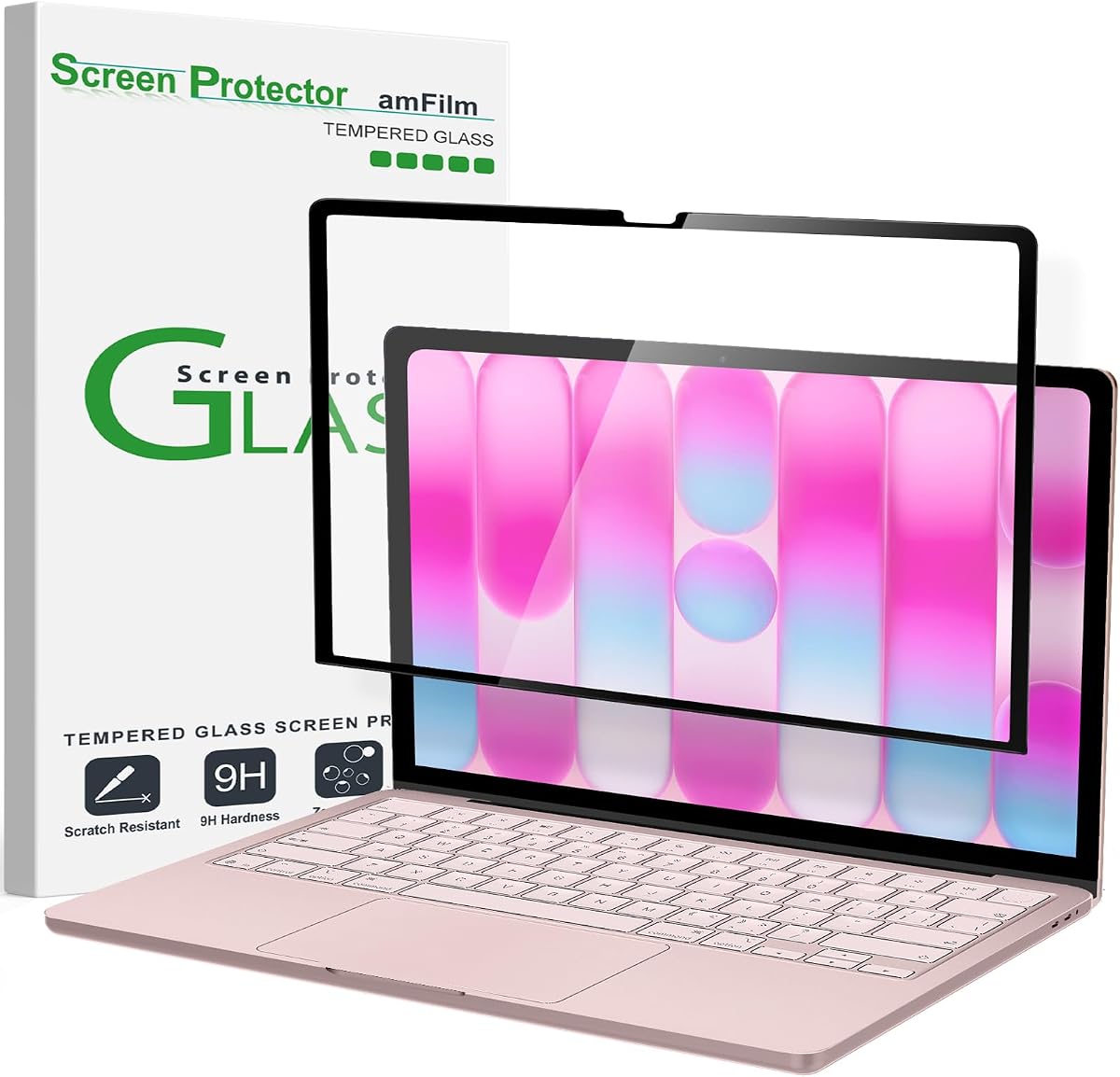
This protector stands out for its custom design tailored specifically for the 2026 MacBook Neo. Its 4.5 rating reflects user satisfaction with the clarity and fit, ensuring the display looks natural.
We may earn a commission when you buy through this link, at no additional cost to you.
The 0.33 mm thickness allows the MacBook to close fully without pressure points. The black frame silicone seal is a key feature that attaches the protector bubble-free and removes safely.
While the price might be higher, the quality justifies it. The HD clear feature preserves the original screen appearance, making it ideal for users who prioritize visual fidelity.
If you want a premium feel without compromising on clarity, this is the top choice. It balances protection with design, ensuring your device looks great while staying safe.
Designed specifically for the latest model to ensure perfect alignment with screen edges and sensors.
The thin profile allows the laptop to close properly without damaging the screen or hinge.
We may earn a commission when you buy through this link, at no additional cost to you.
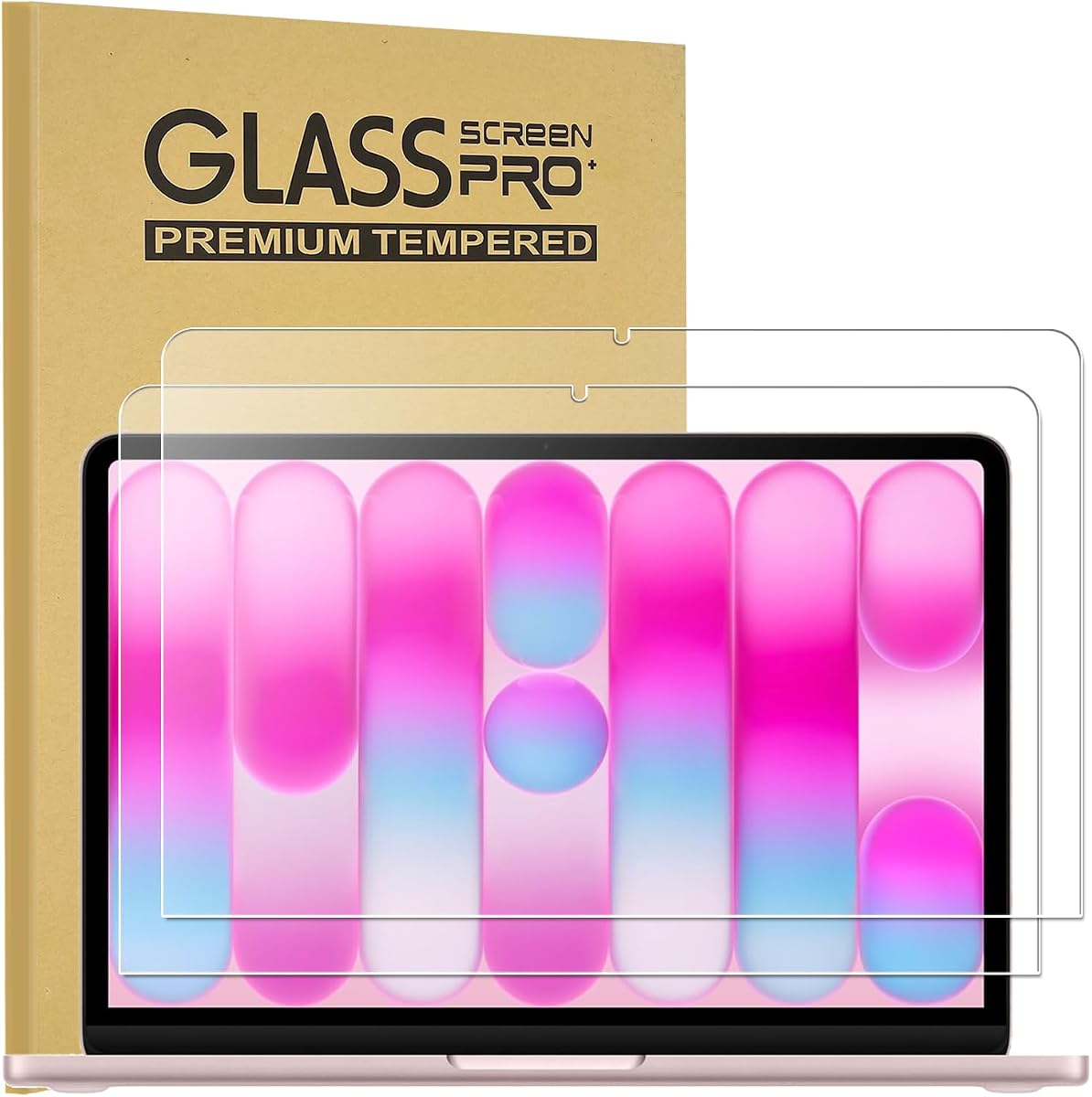
This option offers excellent value by including two protectors in one package. It is designed for the 2026 MacBook Neo with model A3404, ensuring a precise fit for your specific device.
We may earn a commission when you buy through this link, at no additional cost to you.
The 9H hardness rating means it resists scratches effectively. Users appreciate the ultra clarity which maintains a crystal clear transparency for a natural viewing experience without distortion.
While it is a budget-friendly choice, it does not compromise on essential protection. The anti-scratch feature ensures long-lasting performance against daily wear and tear on your laptop screen.
If you want reliable protection without spending much, this is a great pick. It is suitable for those who want backup options in case the first one gets damaged or scratched over time.
Buy one get one free effectively saves money while ensuring you have a spare ready for future use.
The 9H rating provides a tough barrier against keys, coins, and other hard objects in your bag.
We may earn a commission when you buy through this link, at no additional cost to you.
Spigen is known for quality, and this protector delivers with a 9H+ hardness rating. It provides full screen coverage to protect against impacts and scratches effectively on your MacBook Neo.
We may earn a commission when you buy through this link, at no additional cost to you.
The extreme clarity feature preserves the original screen brightness and colors. This makes it a premium choice for professionals who need accurate color representation and sharp details on their display.
Despite being more expensive, the durability justifies the cost. The easy installation ensures a bubble-free result, saving you time and frustration during the setup process.
Choose this if you want top-tier protection and are willing to pay for premium quality. It is ideal for power users who rely on their laptops daily and need reliable protection.
Exceeds standard hardness ratings to offer superior resistance against sharp objects and impacts.
Covers the entire display area to ensure no part of the screen is left vulnerable to damage.
We may earn a commission when you buy through this link, at no additional cost to you.
This protector is specifically designed for the 2026 MacBook Neo with the A18 Pro chip. It ensures full edge-to-edge coverage without interfering with the camera or sensors on your device.
We may earn a commission when you buy through this link, at no additional cost to you.
The HD Clear Quality maintains high light transmittance for vibrant colors. Users report that the Retina display looks just as stunning as the day they bought it, preserving visual fidelity.
The bubble-free installation uses static-cling adhesive that pushes out air bubbles naturally. While it takes patience, the result is a smooth finish without annoying bubbles or residue.
If you want a complete kit with cleaning wipes, this is a great option. It provides everything needed for a clean installation and ensures your screen stays clear and scratch-free.
Laser-cut dimensions guarantee precision fit for the new model without obstructing any sensors.
Comes with wipes, cloths, and dust absorbers to ensure a dust-free and clean installation.
We may earn a commission when you buy through this link, at no additional cost to you.
This product features a premium oleophobic coating that repels oil and sweat. It makes cleaning easier and keeps the screen looking fresh even after hours of daily use on your device.
We may earn a commission when you buy through this link, at no additional cost to you.
The 9H reinforced shatter protection guards against scratches and minor impacts. The laser-cut design achieves a snug fit without edge lifting, preventing dust accumulation around the borders.
The 99.9% HD optical clarity ensures no color distortion during work or gaming. The smooth responsiveness preserves original touch sensitivity for seamless operation on your laptop.
If you want a screen that stays clean and resists fingerprints, this is a solid choice. The coating adds an extra layer of convenience that many users find useful for daily tasks.
Advanced nano coating repels oils and sweat to keep the screen clear without constant wiping.
Precision cutting ensures the protector stays in place without lifting at the edges.
We may earn a commission when you buy through this link, at no additional cost to you.
This protector focuses on transparency and touch sensitivity. It is designed to maintain the original screen colors without any loss of brightness, giving you the best visual experience possible.
We may earn a commission when you buy through this link, at no additional cost to you.
The 9H hardness rating provides strong protection against everyday hazards like keys and coins. The smooth sensitivity ensures zero lag or delay, preserving your tablet's original touch feel.
While it is an affordable option, it does not compromise on clarity. The ultra-thin thickness glass provides HD clarity that looks natural and professional on your device screen.
If you want a balance of price and performance, this is a great pick. It ensures your screen stays bright and responsive while protecting it from scratches and wear over time.
Ultra-thin glass ensures no loss of brightness or color accuracy compared to the bare screen.
Maintains original touch feel so swipes and taps feel natural and responsive.
We may earn a commission when you buy through this link, at no additional cost to you.
This protector features a silky smooth surface with an advanced oleophobic nano coating. It repels fingerprints, oil, and sweat for easy maintenance, keeping the screen looking clean longer.
We may earn a commission when you buy through this link, at no additional cost to you.
The 9H reinforced shatter protection guards against scratches and minor daily impacts. The custom fit design ensures a snug fit without edge lifting to prevent dust accumulation around borders.
Effortless bubble-free installation uses optimized self-expelling adhesive. Even first-time users can complete the process easily without leaving adhesive residue on your screen.
If you want a smooth finish that repels fingerprints effectively, this is a good choice. The coating makes cleaning quick and effortless for daily users who want a clean look.
The oleophobic coating makes the screen feel smooth and repels oils effectively.
The adhesive is designed to allow easy removal without leaving sticky residue behind.
We may earn a commission when you buy through this link, at no additional cost to you.
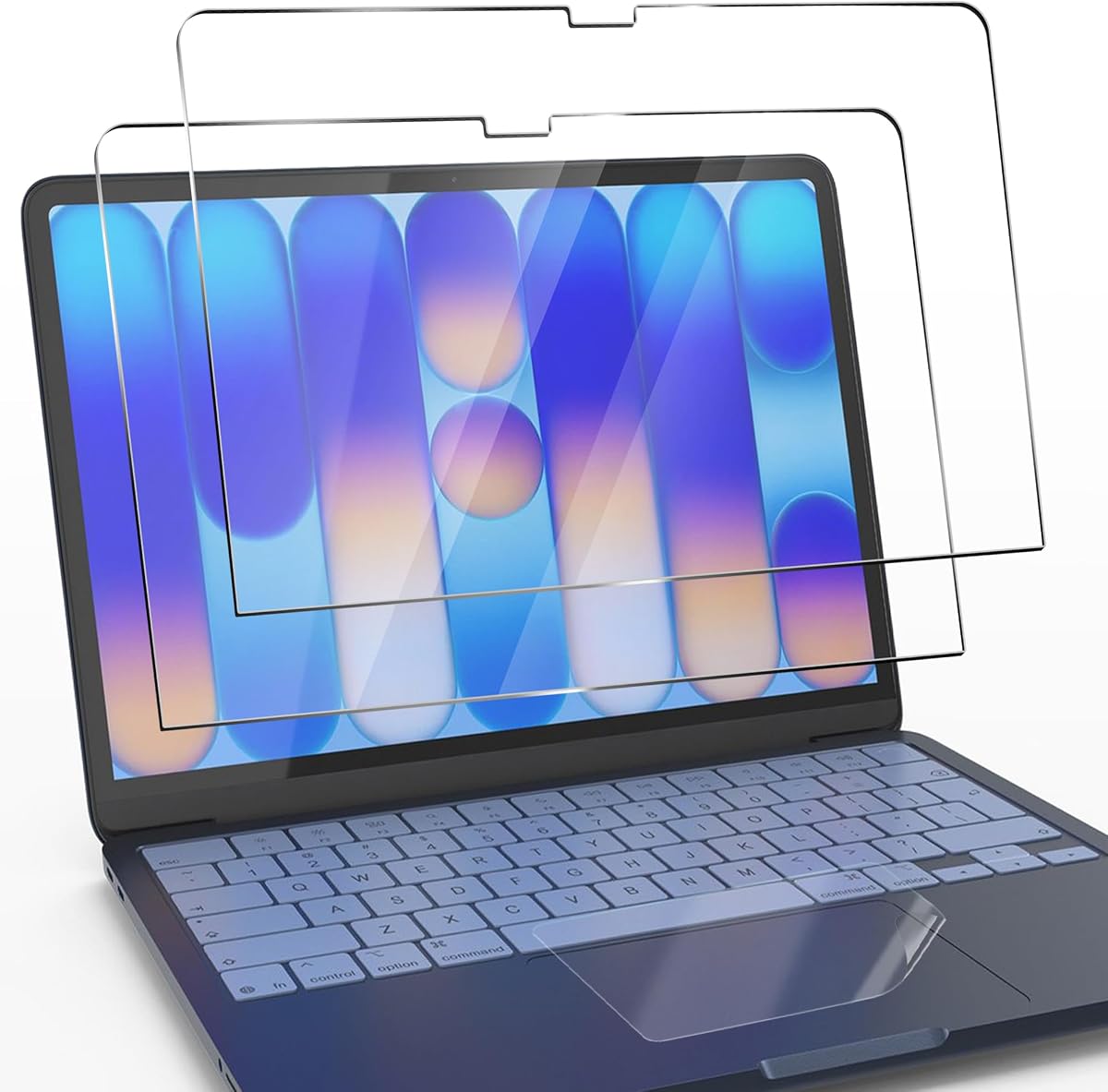
This package includes two screen protectors and one trackpad protector for complete coverage. It is designed for the 2026 MacBook Neo with A18 Pro Chip, ensuring a perfect fit for your device.
We may earn a commission when you buy through this link, at no additional cost to you.
The trackpad protector maintains full touch sensitivity and gestures without delay. The screen protectors offer high definition clarity and anti-fingerprint protection for a clean view.
Bubble-free installation makes setup easy for both screen and trackpad. The package includes dust remover, screen wipe, and dry cloth to help you apply them correctly.
If you want to protect both screen and trackpad in one purchase, this is the best choice. It offers all-round complete protection against scratches and wear on your entire MacBook.
Includes a dedicated PET trackpad protector to prevent wear on your input area.
Provides all accessories and protection needed for a seamless experience on your device.
We may earn a commission when you buy through this link, at no additional cost to you.
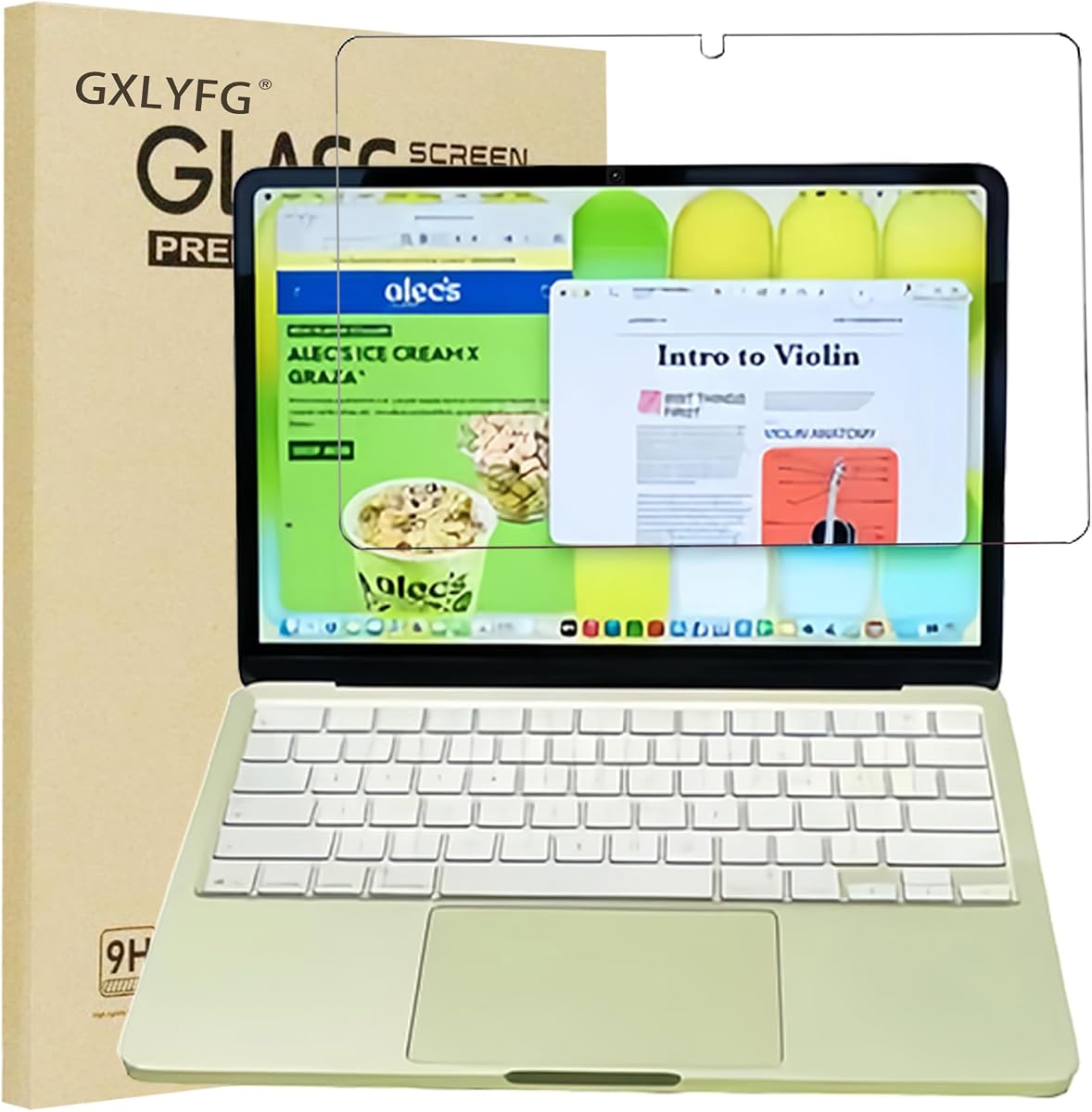
This protector is designed for the 2026 MacBook Neo with A18 Pro Chip. It offers ultra clarity and crystal clear transparency for an optimal viewing experience on your display.
We may earn a commission when you buy through this link, at no additional cost to you.
The 9H hardness rating effectively protects your laptop screen from scratches and impacts. The ultra-tough surface ensures long-lasting protection against daily wear and tear over time.
You get two protectors in the package, which is great value for money. The bubble-free feature ensures easy installation without air pockets or residue on your screen.
If you want a reliable protector that keeps your screen clear, this is a solid option. It balances protection with visibility, ensuring your device looks good and stays safe.
Crystal clear transparency ensures optimal viewing without distortion or color loss.
Strong protection against scratches and impacts from keys, coins, or other objects.
We may earn a commission when you buy through this link, at no additional cost to you.
This protector offers simple and effective protection for your MacBooK Neo. It is compatible with the 13 inch model and provides a reliable barrier against scratches and daily use.
We may earn a commission when you buy through this link, at no additional cost to you.
The 9H hardness makes it highly durable and scratch-resistant. The 0.3mm thickness ensures it is resilient while offering HD clarity and precise touchscreen experience.
It provides an optimal and natural viewing experience with 99.9% transparency. The bubble-free design helps you apply it easily without air bubbles or visual interference.
If you want a straightforward protector without extra features, this is a good choice. It focuses on core protection to keep your screen safe and looking great daily.
A balanced thickness that ensures durability without affecting screen visibility or touch.
Preserves high definition clarity for natural viewing without distortion or color shifts.
We may earn a commission when you buy through this link, at no additional cost to you.
Choosing the right screen protector involves several factors beyond price. Understanding these elements helps you select a product that offers genuine protection and usability.
Ensure the protector is designed specifically for the 2026 MacBook Neo model A3404. A custom-fit protector guarantees that it aligns perfectly with the camera, sensors, and edges without lifting. This prevents dust accumulation and ensures full coverage without obstructing your view.
Always verify the model number before buying to avoid compatibility issues.
Look for a 9H hardness rating which is the industry standard for tempered glass. This rating ensures the screen protector can resist scratches from keys, coins, and other hard objects you might carry in your bag. Higher hardness means better long-term durability against daily wear and tear.
Higher hardness ratings like 9H+ provide superior protection against impacts.
High transparency is essential for maintaining the visual quality of your Retina display. A good protector should offer 99.9% HD optical clarity to preserve original colors and brightness without distortion. This is critical for design work and media consumption where color accuracy matters.
Select a protector that promises no loss of brightness or color shift.
The thickness of the protector affects how your MacBook closes and feels. A thin profile like 0.33 mm ensures the laptop can close without pressure points that might damage the screen. It also helps maintain the sleek design of the device while providing necessary protection.
Choose a thin protector to avoid interference with closing your laptop.
An oleophobic coating helps repel fingerprints, oil, and sweat. This makes cleaning the screen easier and keeps it looking clean for longer periods between wipes. A smooth surface also improves the tactile experience when touching or swiping on the screen.
Look for oleophobic coating to keep the screen clean and fingerprint-free.
Bubble-free installation is a key feature to consider for ease of use. A protector with self-expelling adhesive or static cling allows you to apply it without trapped air pockets. This saves time and frustration, ensuring a professional finish on your screen.
Opt for bubble-free technology to simplify the setup process significantly.
Consider what comes in the box such as cleaning kits or extra protectors. A 2-pack gives you a spare in case one gets damaged or scratched. Cleaning wipes and dust absorbers included in the package make installation much more convenient and effective.
Value packs with cleaning kits offer better long-term convenience.
Well-known brands often provide better quality control and customer support. Reading reviews and checking ratings can give you insight into real-world performance. Reputable manufacturers tend to ensure better fit and durability across their product lines.
Check reviews and ratings to ensure quality and support availability.
To install your screen protector, start by cleaning the screen thoroughly with a lint-free cloth and cleaning wipe. Ensure all dust and fingerprints are removed to prevent bubbles under the protector.
Align the protector with the edges of your screen carefully. Press down gently from the center outward to remove air bubbles. Allow the adhesive to settle for a few hours for best results.
Clean the protector regularly with a soft cloth to maintain clarity. Avoid abrasive cleaners or harsh chemicals that might damage the oleophobic coating on the glass.
A high-quality tempered glass protector maintains 99.9% transparency so you won't notice a difference in brightness or color. It preserves the original look of your Retina display when installed correctly.
Yes, as long as the protector is thin enough not to interfere with closure. Most 0.33mm protectors work well with slim cases that do not add bulk around the screen edges.
Use a soft cloth to gently push bubbles toward the edge. Self-expelling adhesives often release bubbles naturally within hours, so patience is key during the initial setting period.
It may wear down slightly after months of heavy use, but regular cleaning helps maintain effectiveness. Avoid rough fabrics that might accelerate wear on the nano coating layer.
Quality tempered glass can be removed without adhesive residue. Ensure you peel it off slowly and clean the screen afterward to avoid scratches from dirt trapped under the protector.
It is optional but recommended for complete protection. Trackpads can accumulate oil and scratches over time, so a PET protector helps maintain sensitivity and appearance.
We have reviewed ten top options for the MacBook Neo to help you find the right balance of clarity, durability, and fit. From budget-friendly 2-packs to premium choices with specialized features, each pick offers unique value.
When selecting, prioritize hardness ratings and transparency to ensure your screen stays protected and looks great. A proper fit for model A3404 will prevent dust and ensure seamless daily use.
Prices and availability change frequently, so verify current deals before purchasing. Your screen is your window to productivity; choosing the right protector keeps it clear and safe for years.