
KTRIO Large Gaming Mouse Pad Desk Mat
4.7Editor score
31.5×11.8 inch extended size
Anti-fray stitched edges
Water-resistant easy clean surface
Finding the right gaming pad for desks can transform your setup by providing a smooth surface for precise mouse tracking. A quality desk mat protects your furniture while offering a consistent texture for both optical and laser sensors during intense gameplay sessions.
We compared ten top-rated mouse pads based on surface material, size dimensions, edge durability, and anti-slip stability. Our analysis focuses on products that balance performance with long-term value for gamers and professionals alike.
Each pick highlights unique strengths like waterproof coatings, stitched edges, or large coverage areas for keyboards. Prices and availability may change, so check current listings before making your final decision for your workstation.
4.7Editor score

4.7Editor score

4.7Editor score
As an Amazon Associate we earn from qualifying purchases.
This side-by-side comparison reviews all ten selected gaming pads for desks. We examine dimensions, surface texture, base stability, and special features like waterproofing or RGB lighting to help you choose the right fit.




The SteelSeries QcK XXL stands as a legendary choice in the gaming pad for desks category with a 4.7 rating. Its micro-woven cloth surface offers a reliable track for both optical and laser sensors.
We may earn a commission when you buy through this link, at no additional cost to you.
Designed to encompass your entire desktop, this pad supports keyboard and mouse simultaneously while maintaining a smooth, consistent texture. The non-slip rubber base ensures stability during rapid movements.
While the price point is higher than generic options, the durability and proven performance justify the investment for serious gamers. Some users note it requires occasional wiping to remove dust particles.
Buyers seeking a competitive edge with proven reliability should consider this model. It remains a top recommendation for those wanting a dependable surface for intense gaming sessions.
The high thread count surface optimizes accuracy for precision aiming in shooters.
Large dimensions allow keyboard and mouse to sit comfortably without overlap.
We may earn a commission when you buy through this link, at no additional cost to you.
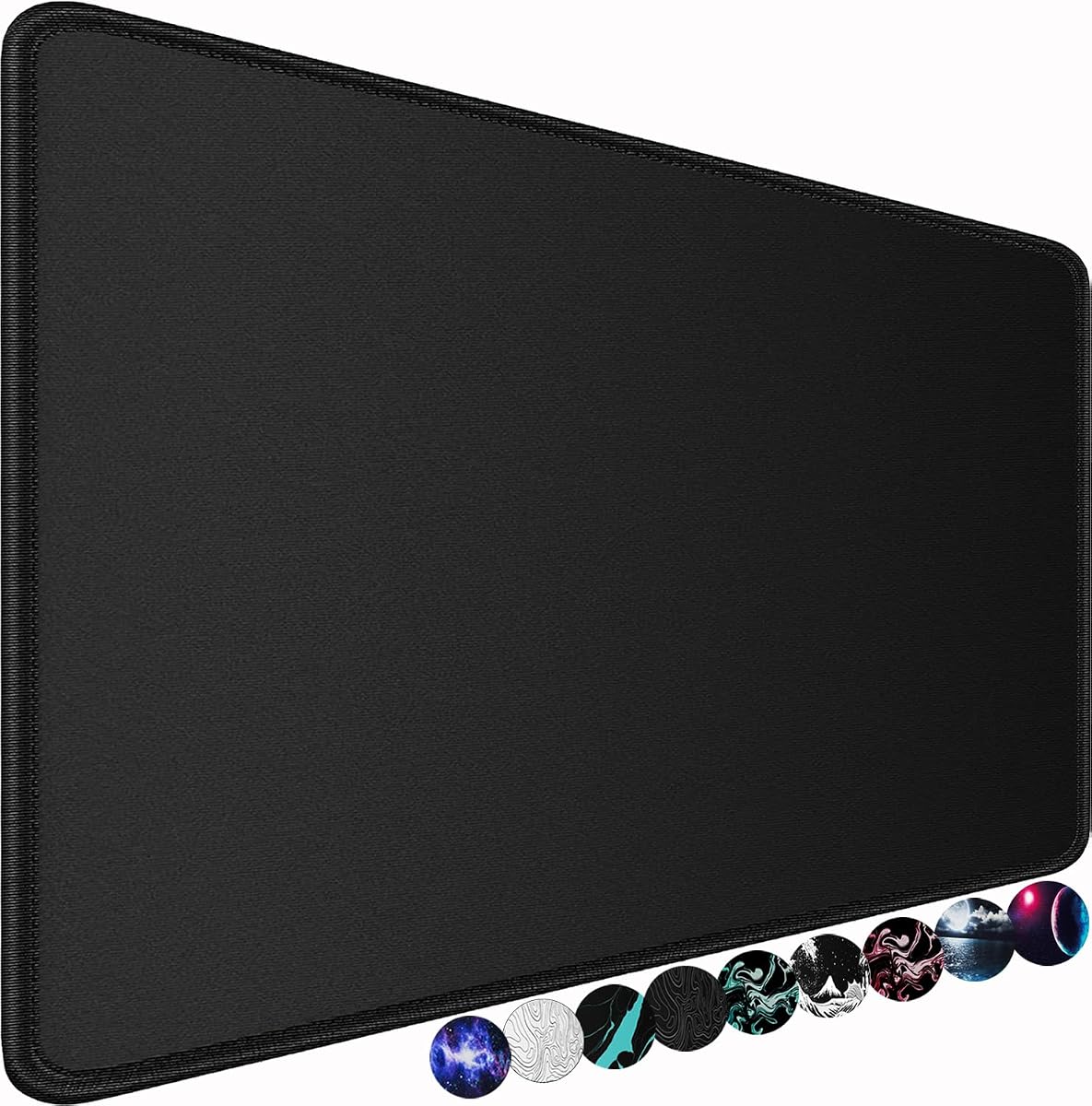
The KTRIO Large Gaming Mouse Pad offers exceptional value with a 4.7 rating. It combines a textured micro-weave surface with a natural rubber base for stable grip.
We may earn a commission when you buy through this link, at no additional cost to you.
Its 31.5 by 11.8 inch size fits standard desks well while allowing enough room for keyboard and mouse. Reinforced edges prevent peeling over time for extended use.
Although it lacks the extreme dimensions of larger pads, the balance of cost and performance makes it a strong contender. The water-resistant coating helps manage spills effectively.
Ideal for budget-conscious buyers who do not want to sacrifice tracking quality. This model provides a solid foundation for daily gaming and office tasks.
Reinforced stitching prevents fraying and keeps the pad looking new.
Liquid beading allows for quick wipe-downs without damage.
We may earn a commission when you buy through this link, at no additional cost to you.
This Large Gaming Mouse Pad brings a spacious 31.5 by 15.7 inch layout to your desk. A comfortable Lycra surface ensures smooth tracking for fast movements.
We may earn a commission when you buy through this link, at no additional cost to you.
The pad offers extra width that accommodates wider keyboards without crowding the mouse area. Its thick material feels soft and helps dampen keyboard typing sounds.
While the surface provides excellent glide, users should ensure the edges stay flat for optimal performance. The waterproof coating remains a practical feature for spill protection.
Great for those prioritizing comfort and desk space in their setup. It serves as a functional mat for both gaming and office work efficiently.
Extended width allows comfortable placement for full-sized keyboards.
Thick padding offers wrist comfort during long typing or gaming.
We may earn a commission when you buy through this link, at no additional cost to you.
The Logitech G840 XL is engineered for optimal sensor performance with a consistent texture. Its moderate friction suits low DPI playstyles common in competitive gaming.
We may earn a commission when you buy through this link, at no additional cost to you.
The extra-large design offers consistent height so you can position your keyboard freely. The rubber base prevents bunching even during rapid sweeping movements.
While it carries a premium price, users invested in the ecosystem appreciate the sensor alignment. The cloth surface offers comfort without excessive friction for swiping.
Recommended for players who prioritize sensor consistency over flashy designs. It delivers a reliable, uniform experience across extended gaming sessions.
Uniform surface allows flexible keyboard positioning without mouse interference.
Close to testing environments for precise cursor tracking.
We may earn a commission when you buy through this link, at no additional cost to you.
This Large Extended Gaming Mouse Pad boasts a 4.8 rating for reliable waterproof protection and grip. A waterproof coating stops liquid damage while nylon stitching protects edges.
We may earn a commission when you buy through this link, at no additional cost to you.
Natural rubber ensures the pad stays flat and secure. It fits all optical and laser mice while offering a smooth track for fast movement.
The ability to roll up without creasing makes storage simple. Despite being affordable, it maintains solid performance and a clean look.
Buyers who need spill resistance and easy maintenance will find this ideal. It remains a practical choice for casual and serious gamers.
Easily rolls without creases for storage or travel.
Safe natural rubber base free from hazardous substances.
We may earn a commission when you buy through this link, at no additional cost to you.
The DIGSOM Gaming Mouse Pad stands out with a minimalist topographic design that serves as desk decor. Its advanced printing ensures the pattern stays vibrant over time.
We may earn a commission when you buy through this link, at no additional cost to you.
The 3mm fabric feels soft and provides a smooth glide for accurate mouse control. It fits various desks while protecting the surface underneath.
While the narrower width may suit standard setups better than massive ones, the visual appeal is high. Cleaning with a damp cloth keeps it fresh.
Perfect for users who want style without sacrificing functionality. It remains a solid option for those valuing aesthetics on a budget.
Topographic lines add a sleek look to any setup.
Superior printing technology ensures pattern remains clear.
We may earn a commission when you buy through this link, at no additional cost to you.
This Kanagawa Large Mouse Pad features a vivid Japanese Sea Wave print that enhances desk visuals. Precision stitching and soft fabric ensure durability and comfort.
We may earn a commission when you buy through this link, at no additional cost to you.
The ultra-smooth surface allows for fast swipes while maintaining precise control. A non-slip rubber base keeps the pad stable during heavy use.
Cleaning is simple with a paper towel, making it practical for everyday tasks. The bright pattern remains clear even after multiple washes.
Ideal for buyers seeking a blend of art and performance. It suits home offices and gaming setups looking for a stylish upgrade.
Vivid wave pattern adds character to a plain desk.
Fabric surface reduces friction for fast cursor movement.
We may earn a commission when you buy through this link, at no additional cost to you.
The RGB Mousepad introduces dynamic lighting with 14 modes to match your setup. USB power ensures plug-and-play simplicity without needing drivers.
We may earn a commission when you buy through this link, at no additional cost to you.
Microfiber material provides a smooth track for precise movements. The waterproof coating protects against spills, keeping the pad clean and safe.
While some users may find the light distracting, it adds atmosphere for immersive gaming. Memory function retains settings between power cycles.
Best for those wanting visual flair alongside standard tracking. It offers a colorful upgrade for modern desk setups.
Multiple modes allow dynamic ambiance to match your games.
USB connection works immediately without software setup.
We may earn a commission when you buy through this link, at no additional cost to you.
The LifeTrim Huge pad delivers an expansive 46 by 17 inch surface for maximum movement. At 5mm thick, it provides significant cushioning for wrist comfort.
We may earn a commission when you buy through this link, at no additional cost to you.
This size allows for lower DPI settings and precise accuracy during gameplay. A stable rubber base prevents movement even during intense sessions.
While it demands a large desk footprint, the comfort and tracking space are unmatched. It transforms standard desks into massive gaming zones.
Perfect for those with ample desk space seeking ultimate comfort. Its dimensions make it a standout option for extended gaming.
5mm thickness helps reduce fatigue during long sessions.
46 inches width supports full keyboard and mouse freedom.
We may earn a commission when you buy through this link, at no additional cost to you.
The Razer Gigantus V2 offers premium performance with optimized pixel-precise tracking. Its micro-weave surface enables fluid swipes and precise stops for any playstyle.
We may earn a commission when you buy through this link, at no additional cost to you.
At 4mm thick, the high-density foam ensures uniform flatness. The anti-slip base is crucial for maintaining stability during chaotic gameplay.
While costlier than budget options, the build quality and sensor calibration justify the investment. It delivers a consistent foundation for competitive players.
Recommended for those prioritizing top-tier tracking and durability. It remains a robust choice for serious competitive gaming setups.
Calibrated for pixel-precise accuracy across all sensors.
Foam base stays flat even on imperfect desk surfaces.
We may earn a commission when you buy through this link, at no additional cost to you.
Selecting the ideal gaming pad for desks involves considering size, material, and surface friction. Here are key factors to guide your purchase.
Material like cloth, micro-weave, or hard plastic affects speed and control. Cloth offers versatility while hard surfaces provide consistent speed for FPS games.
Look for cloth or micro-weave for balanced control unless you prioritize pure speed.
Larger pads like XXL cover keyboard and mouse areas reducing clutter. Ensure your desk can accommodate dimensions like 31×15 inches comfortably.
Choose sizes that fit your desk layout and usage habits for best results.
Stitched or precision stitched edges prevent fraying and peeling over time. This ensures the pad stays intact and looks professional longer.
Prioritize models with reinforced stitching to extend the pad's lifespan.
A non-slip rubber base keeps the mat firmly in place during rapid movement. This prevents unwanted sliding and maintains consistent mouse tracking.
Ensure the base is solid rubber or foam to grip your desk tightly.
Water-resistant coatings protect against spills and keep the surface clean. Liquid beading allows quick cleaning without soaking the fabric.
Look for waterproof features if you frequently consume drinks near your setup.
Thicknesses between 3mm and 5mm offer cushioning for wrist comfort during play. Thicker pads reduce strain during long gaming or office sessions.
Select thicker options if you spend many hours at your desk.
Surface texture should suit optical or laser sensors to avoid jitter or lag. Consistent surfaces improve tracking responsiveness for accurate gameplay.
Check reviews or product specs to confirm sensor compatibility.
Some pads feature printed patterns or RGB lighting for visual appeal. While functional, style choices can enhance your setup's theme.
Choose designs that match your decor if appearance matters to you.
Place your gaming pad on a flat, clean desk surface ensuring the rubber base grips well. Align it so your keyboard and mouse fit comfortably without hanging off edges.
Regularly wipe the surface with a damp cloth to remove dust or spills that reduce tracking performance. Avoid harsh chemicals that might damage the coating or fibers.
Store it flat or rolled without creases to maintain its shape and base integrity over time. Replacing worn pads ensures consistent performance and comfort during use.
Yes, a larger pad allows more room for low DPI mouse movements which can improve accuracy. It also reduces the need to reposition the mouse mid-game.
Most cloth pads support both optical and laser sensors well. However, some laser sensors require specific surface textures to avoid jitter or tracking issues.
Cleaning weekly or after spills maintains optimal tracking. Dust and oils can create uneven surfaces that affect cursor movement consistency.
Yes, thicker padding reduces pressure on the wrists during long sessions. It helps prevent fatigue when resting your hands or moving the mouse.
Absolutely, gaming pads provide smooth movement for office tasks. Their durability and spill resistance make them practical for professional environments.
Yes, stitched edges prevent fraying and peeling significantly. They extend the product life ensuring the pad stays intact longer.
No, RGB lighting does not influence mouse tracking accuracy. It serves purely for aesthetics and ambiance during gameplay.
A thickness between 3mm and 5mm offers a balance of stability and cushioning. This range supports most gaming and office needs effectively.
The SteelSeries QcK XXL leads as the top overall pick while the KTRIO offers best budget value. The Razer Gigantus V2 rounds out the top three with premium features.
Prioritize size and surface material to match your gaming style and desk dimensions. A stable base and waterproof coating add practical benefits for daily use.
Check current listings for the latest pricing and availability before purchasing. Investing in a quality pad enhances your overall setup significantly.