
Bootable USB Drive for Windows 11
4.0Editor score
Affordable Recovery Solution
Compatible with UEFI Legacy
Simple Install Process
This guide compares the top bootable Windows 11 USB drives for installation and recovery, highlighting features like TPM bypass and secure boot compatibility
Having a bootable Windows 11 USB drive is essential for anyone who wants to reinstall their operating system quickly. These tools allow you to bypass common installation hurdles and ensure your computer runs smoothly without relying on complex downloads.
We compared ten top-rated products based on compatibility, ease of use, and included utility tools. Each option was evaluated for its ability to handle modern hardware requirements while providing necessary recovery features for various system configurations.
Each pick shows unique strengths like TPM bypass support or secure boot compatibility to help you choose wisely. Please note that product availability and pricing may change frequently, so verify details before making your final purchase decision today.
4.0Editor score

4.3Editor score

4.0Editor score
Here is a side-by-side comparison of all ten products to help you decide which bootable USB drive best fits your specific system needs and technical requirements.


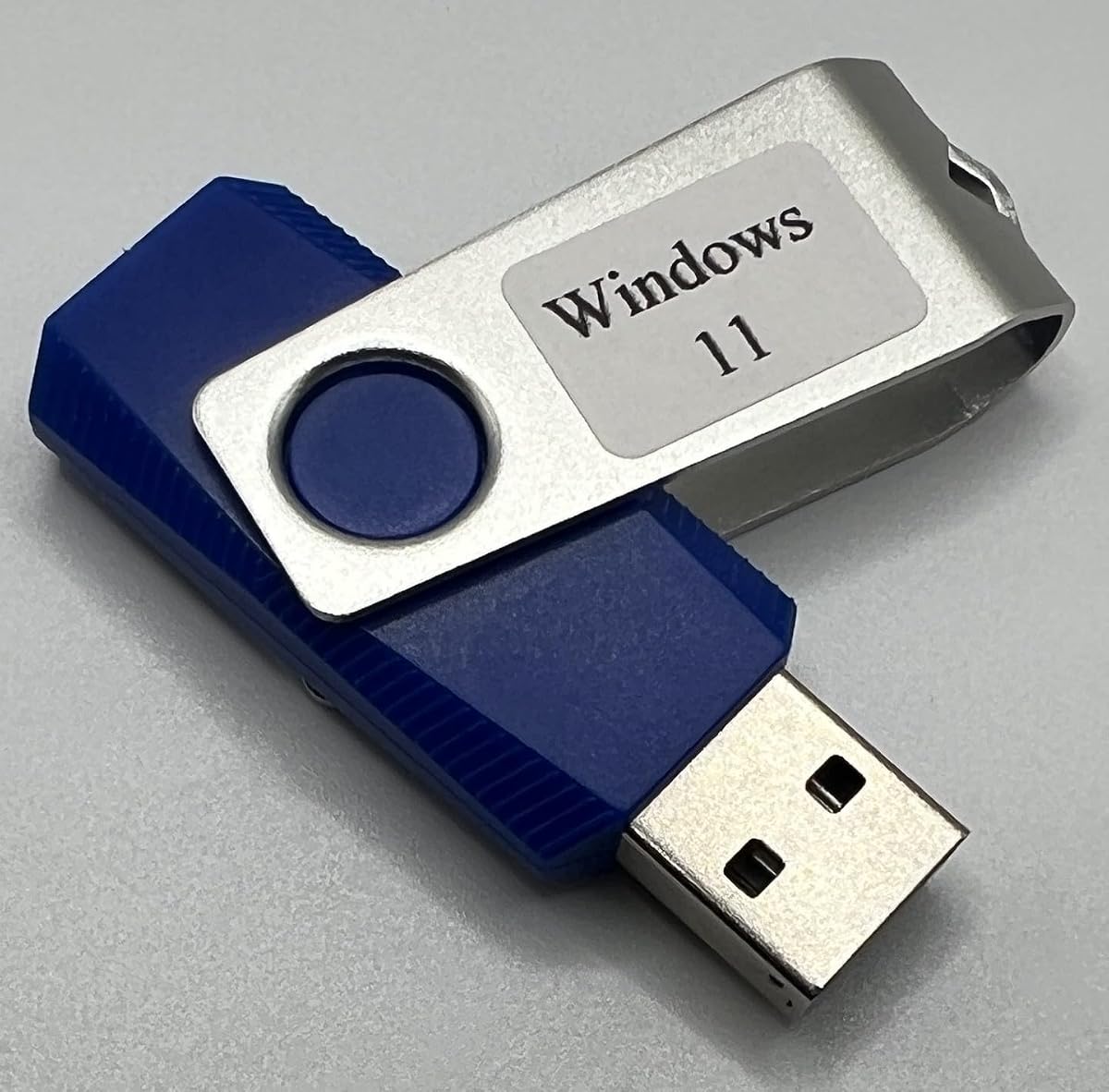


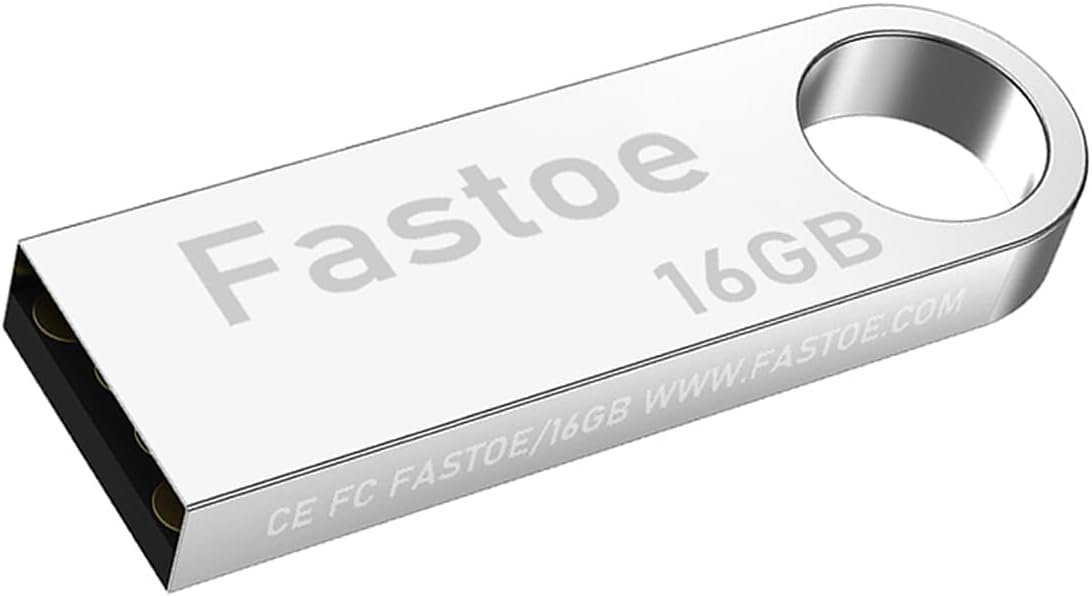
This 64GB bootable USB drive stands out as the top choice for most users seeking a reliable Windows 11 installation tool. With a solid rating and extensive features, it addresses common installation barriers effectively.
We may earn a commission when you buy through this link, at no additional cost to you.
Its standout feature is the built-in support for bypassing TPM requirements, which is crucial for older hardware. Additionally, it includes network drives and partitioning tools that simplify the recovery process significantly.
While you must disable Secure Boot in some cases, this is a minor trade-off for the versatility provided. The drive ensures your data is safe by avoiding malware risks during the installation process.
If you need a comprehensive solution for reinstalling or repairing Windows without complex setups, this drive is the best recommendation. It balances ease of use with powerful utility tools for any PC scenario.
This drive allows Windows 11 installation on older hardware that lacks TPM 2.0 chips.
Included WiFi and LAN drivers ensure your system connects to the internet immediately after install.
We may earn a commission when you buy through this link, at no additional cost to you.
For users seeking an affordable recovery solution without compromising on essential features, this 8GB drive offers excellent value. It focuses on the core necessity of installing or reinstalling Windows 11 efficiently.
We may earn a commission when you buy through this link, at no additional cost to you.
The drive is handmade and tested in Texas, ensuring quality control. Its compatibility with both UEFI and Legacy BIOS makes it a versatile option for various PC models.
However, its smaller storage capacity means it does not include extra utility tools like some higher-end models. It is strictly for OS installation and repair, so verify your hardware compatibility first.
If you want a cost-effective way to get your system running again without spending much, this drive is a great choice. It is perfect for basic repair needs where advanced utilities are not required.
This product provides a low-cost entry point for users needing a basic Windows installation tool.
A family-owned business tests each drive manually to ensure it functions correctly before shipping.
We may earn a commission when you buy through this link, at no additional cost to you.
This 32GB drive offers a balanced option for users who need more space than the budget models but less than the largest drives. It supports both Windows 10 and 11 effectively.
We may earn a commission when you buy through this link, at no additional cost to you.
It includes network drives and partitioning tools, similar to the 64GB version, making it a strong contender for system recovery. The ability to backup data before reinstalling is a critical feature.
Some users may find the need for a technician during installation errors slightly inconvenient. However, the antivirus scan and compatibility with all brands reduce overall risks significantly.
If you want reliable performance with enough room for recovery tools and data backup, this drive is ideal. It handles most repair tasks well while keeping the price reasonable for average users.
You can use this drive to access your hard drive and save files before wiping the system.
Compatible with all brands, this drive works on Dell, HP, Lenovo, and other major manufacturers.
We may earn a commission when you buy through this link, at no additional cost to you.
This drive distinguishes itself with a comprehensive WinPE utility suite that supports password resets and hardware testing. It is designed for users who want a full repair toolkit in one USB stick.
We may earn a commission when you buy through this link, at no additional cost to you.
The inclusion of password reset tools is particularly useful for users locked out of their systems. Video tutorials make the process accessible even for those with limited technical knowledge.
While it requires disabling Secure Boot, the benefits of having such a wide range of tools outweigh the inconvenience. The drive is scanned for safety to ensure no malware is present.
If you need to troubleshoot hardware issues or reset forgotten passwords, this drive is the top choice. It offers a complete solution for PC maintenance beyond simple OS installation tasks.
The drive includes specific tools to help you reset Windows user account passwords easily.
Built-in diagnostics allow you to check if your computer hardware is functioning correctly.
We may earn a commission when you buy through this link, at no additional cost to you.
This premium drive stands out because it works with Secure Boot enabled, eliminating the need for BIOS changes. This feature makes it the safest and most convenient option for modern PCs.
We may earn a commission when you buy through this link, at no additional cost to you.
It downloads the latest genuine Windows version directly from Microsoft, ensuring you avoid outdated or pirated copies. The US-based support team offers real human assistance via live chat or email.
However, it does not support Legacy BIOS, limiting its use to newer UEFI systems from 2013 onwards. The higher price reflects the premium security and support features included with the product.
If you prioritize security and convenience over cost, this is the best investment for your system maintenance. It simplifies the process significantly by respecting your computer's native security settings.
This tool is unique in that it works without forcing you to disable critical security features.
Unlike other tools, it pulls directly from Microsoft to guarantee an unmodified installation file.
We may earn a commission when you buy through this link, at no additional cost to you.
This drive is tailored specifically for Windows 11 recovery with a focus on solving common issues like blue screens or boot failures. It provides a straightforward solution for system restoration tasks.
We may earn a commission when you buy through this link, at no additional cost to you.
The package includes detailed instructions for boot setup and recovery procedures, making it user-friendly. It offers multiple recovery paths including system repair and fresh installation options.
Its lower rating suggests some users may have encountered limitations, but for basic tasks it remains a solid tool. It is a good choice if you need a specific Windows 11 repair drive.
If you want a dedicated tool for handling Windows 11 errors without extra complexity, this drive fits the bill. It is simple to use and provides essential restoration capabilities for affected systems.
The drive helps resolve common issues like blue screens by providing automated repair options.
It includes basic tools to help recover data during system failure scenarios.
We may earn a commission when you buy through this link, at no additional cost to you.
This drive is unique because it includes a license key for Windows installation, addressing a common cost barrier. It is designed to help users install both Windows 10 and 11 efficiently.
We may earn a commission when you buy through this link, at no additional cost to you.
The high-speed 64GB storage ensures fast data transfer during the installation process. It also includes recovery tools for password resets and hardware troubleshooting to support diverse needs.
However, the lower rating indicates some inconsistencies with the key redemption process or boot compatibility. Users must ensure Secure Boot is disabled to access the drive on newer systems.
If you need a license key included with your installation media, this is the only option on the list. It is suitable for users who want an all-in-one solution despite some potential setup challenges.
The package includes one activation key to simplify the Windows installation process immediately.
The drive uses high-speed USB technology to reduce the time needed for file transfers.
We may earn a commission when you buy through this link, at no additional cost to you.
This drive supports Windows 7, 10, and 11, making it an excellent choice for environments with multiple OS versions. It provides a unified solution for various installation and repair scenarios.
We may earn a commission when you buy through this link, at no additional cost to you.
The WinPE utility suite allows you to backup system files before making changes, reducing data loss risks. Video tutorials and printable instructions ensure you can follow every step accurately.
While it requires disabling Secure Boot for newer machines, its compatibility with older Windows versions sets it apart from competitors. It is a reliable tool for IT support or home maintenance.
If you need to maintain PCs running different versions of Windows, this drive offers the broadest compatibility. It combines repair tools with installation media for a comprehensive maintenance toolkit.
Unlike many modern tools, this drive still supports legacy Windows 7 systems effectively.
You can backup critical files before reinstalling to prevent data loss during repairs.
We may earn a commission when you buy through this link, at no additional cost to you.
This drive offers thirty different tools, making it one of the most versatile options available for PC repair. It is ideal for technicians or enthusiasts who need access to various utilities.
We may earn a commission when you buy through this link, at no additional cost to you.
The range of installation and recovery options helps keep older PCs useful by providing necessary maintenance tools. It eliminates the need to download large system files or create your own bootable media.
However, having so many tools can make the interface complex for beginners compared to simpler alternatives. The need to manage activation keys separately is another consideration for new users.
If you need a multi-tool drive that can handle almost any PC problem, this is the best choice. It is perfect for those who want a comprehensive toolbox for various computer repair scenarios.
The drive provides thirty separate utilities in one package to handle diverse PC issues.
It is preloaded and ready to go, saving you the effort of creating your own media.
We may earn a commission when you buy through this link, at no additional cost to you.
This drive focuses on simplicity by offering a clean and official Windows 11 version ready for immediate use. It is designed for users who want a straightforward installation experience without extra tools.
We may earn a commission when you buy through this link, at no additional cost to you.
It comes with a user guide and online technical support, ensuring help is available when needed. The drive is professionally produced and scanned to ensure it is free of viruses or spyware.
The 16GB capacity limits its utility for large backup tasks but is sufficient for OS installation. Its compatibility with all PC brands makes it a reliable option for general users.
If you want a no-frills solution to install Windows 11 without extra complications, this drive works well. It prioritizes reliability and support over advanced features to keep the process simple.
The drive uses professional tools to ensure you get an official copy of Windows 11.
It is fully scanned to guarantee no viruses or spyware are present on the drive.
We may earn a commission when you buy through this link, at no additional cost to you.
Selecting the right bootable USB drive involves understanding your hardware's limitations and what features you need most.
Storage capacity determines how much data you can store on the drive beyond the operating system. Larger drives like 64GB allow for additional utility tools and data backup features which are crucial during system recovery.
For most users, a 32GB or 64GB drive is ideal to ensure enough space for essential repair tools and backups.
Windows 11 typically requires TPM 2.0 which many older systems lack. Look for drives that explicitly state they do not require TPM hardware to ensure compatibility with your machine.
Choose a drive that includes TPM bypass features if you have older hardware to avoid unnecessary upgrades.
Your computer uses either UEFI or Legacy BIOS to boot systems. A good drive supports both to ensure it works across different PC models and generations without compatibility issues.
Select a drive that supports both UEFI and Legacy modes to maximize compatibility with older and newer systems.
Some drives work with Secure Boot enabled while others require you to disable it in your BIOS settings. This is a critical security feature that prevents unauthorized software from loading during startup.
Prioritize drives that work with Secure Boot enabled to maintain security and simplify the boot process.
Beyond installation, drives often include tools like password resets, data recovery, and network driver installers. These utilities add significant value by allowing you to troubleshoot specific problems without extra software.
Look for drives that include essential utilities like password recovery and network drivers to handle common issues.
Installation can be challenging for beginners so detailed instructions and video tutorials are highly valuable. Additionally check if the vendor offers technical support to help resolve any issues during the process.
Choose products that offer video guides and technical support to ensure a smooth and successful installation process.
Security is paramount when downloading system files. Ensure the drive uses official resources from Microsoft and has been scanned for viruses to protect your data during installation.
Always verify that the drive is scanned for malware and uses official Windows sources for maximum safety.
Some drives include a Windows license key which can save money on activation. However verify if this is valid for your version of Windows as many drives require you to provide your own key.
Check if the drive includes a license key if you need one but confirm its validity for your system before purchasing.
To use your drive insert it into a USB port on your computer and restart the system immediately. Enter the BIOS or Boot Menu by pressing the designated key during startup to select the USB drive as the boot device.
Follow the on-screen instructions carefully during the installation process to avoid data loss. If your computer asks for network drivers after installation, use the tools included on the drive to connect to the internet.
Store your drive in a cool dry place when not in use to prevent physical damage. Avoid exposing it to water or extreme temperatures as this can corrupt the data stored on the flash memory.
Most drives do not include a product key so you will need to use your existing Windows license or purchase one separately. Some specific models may include a key so check the product details before purchasing.
No these drives are designed for software installation and repair not hardware fixes. If your hard drive is failing you will need to replace it physically before installing the operating system again.
It depends on the drive. Most require you to disable Secure Boot in the BIOS but some premium options support Secure Boot enabled. Check the specific product details to see what your system needs.
Most drives will not keep your existing files as they are designed for clean installations. You should back up your data using the tools on the drive before proceeding with the installation process.
Some drives offer support for Windows 7 while others focus only on newer versions like 10 and 11. Check the compatibility list in the product description to confirm it supports your specific operating system.
It is generally safe if the drive is scanned for malware and uses official Microsoft resources. Ensure you purchase from reputable sellers to avoid security risks associated with modified system files.
The installation time depends on your hardware speed but typically takes between 30 to 60 minutes. A faster USB port like 3.2 will reduce the time needed compared to older USB versions.
The 64GB Bootable USB Drive 3.2 stands out as the best overall option due to its comprehensive features and TPM bypass support. It offers the balance of utility and reliability for most users.
When choosing your drive prioritize features like Secure Boot compatibility and storage capacity based on your specific system needs. These factors ensure the tool will work seamlessly with your hardware.
Remember to verify the current availability and details before purchasing as offerings can change over time. Investing in the right tool ensures your computer stays protected and functional.