
Standard 5ft Black 3 Prong AC Power Cord
4.7Editor score
5ft flexible length
Heavy duty 18 AWG
Universal 3 pin fit
Discover the top Dell Monitor Replacement Power Cord options for 2026. We compare compatibility, safety, durability, and performance across ten highly rated
Finding a reliable power connection is essential for keeping your display running smoothly. A quality Dell Monitor Replacement Power Cord ensures stable voltage delivery and prevents unexpected shutdowns during critical work sessions or entertainment.
We analyzed ten top-rated power solutions based on compatibility, safety certifications, and build quality. Our comparison covers universal cables and specific adapters designed to meet the diverse needs of Dell monitor owners today.
Each pick highlights key features and potential trade-offs to help you decide quickly. Please note that pricing and availability can change frequently, so verify current details before making your final purchase decision online.
4.7Editor score
4.9Editor score
4.8Editor score
This side by side comparison evaluates all ten selected power solutions. We look at voltage output, connector types, cable lengths, and safety features to help you identify the right match for your specific Dell monitor setup.



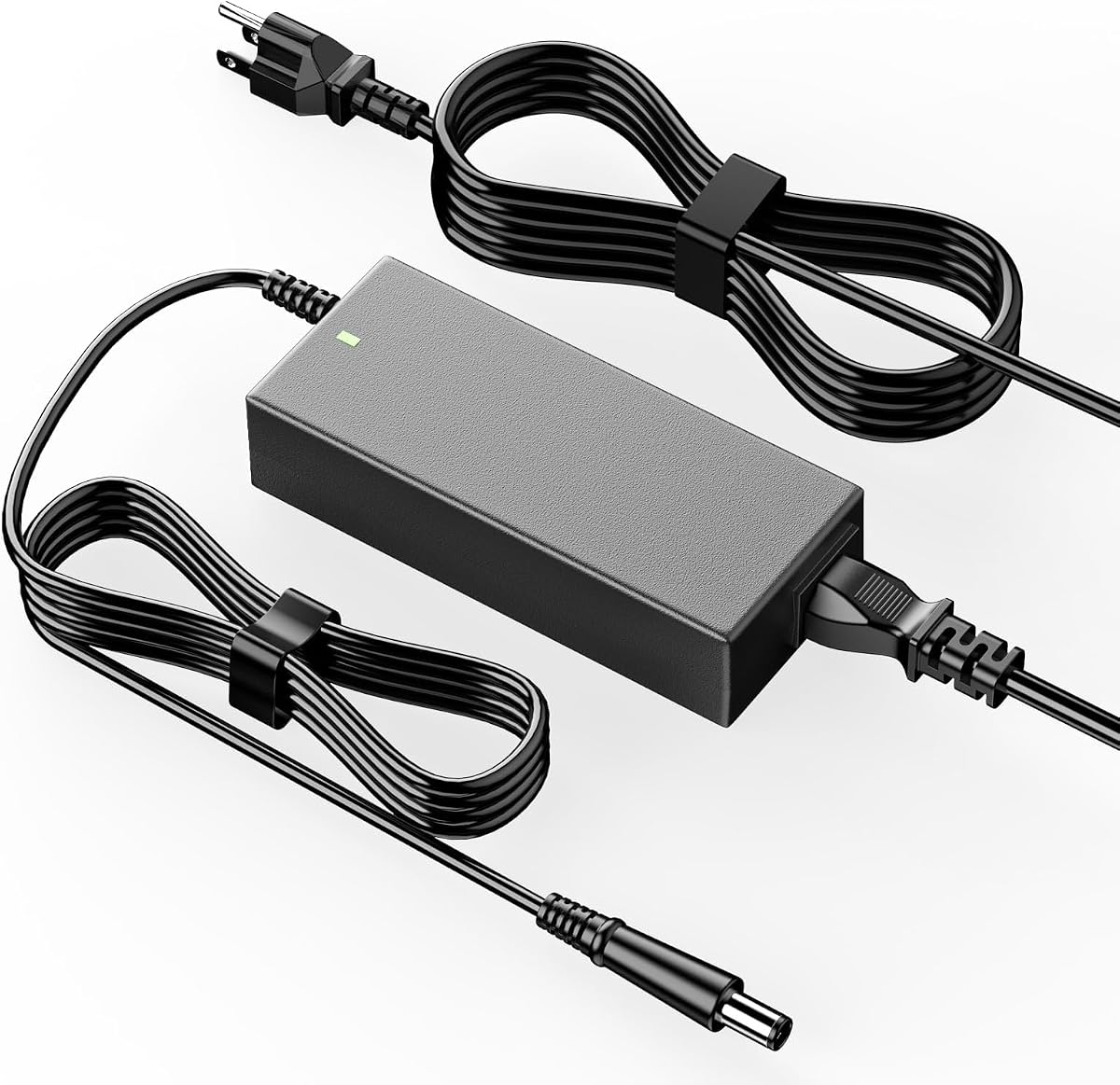
This adapter stands out as the top choice for users needing a reliable power solution for specific Dell models. With a near perfect rating, it offers the stability required for professional and home office setups.
We may earn a commission when you buy through this link, at no additional cost to you.
The strict 19.5V output ensures your monitor receives exactly what it needs without fluctuation. Intelligent temperature monitoring prevents overheating during long sessions, protecting both the adapter and your expensive display hardware.
While it is priced higher than simple cables, the safety features justify the cost. It is not a universal fit for all Dell monitors, so verifying your connector size before purchase is essential.
Buy this if you own a compatible S or P series model and want peace of mind. It delivers consistent power that keeps your screen running without flicker or unexpected shutdowns.
The adapter provides a strict 19.5V output that matches Dell specifications exactly to prevent damage.
Built-in safeguards protect against overheat and short circuits while regulating internal temperature actively.
We may earn a commission when you buy through this link, at no additional cost to you.
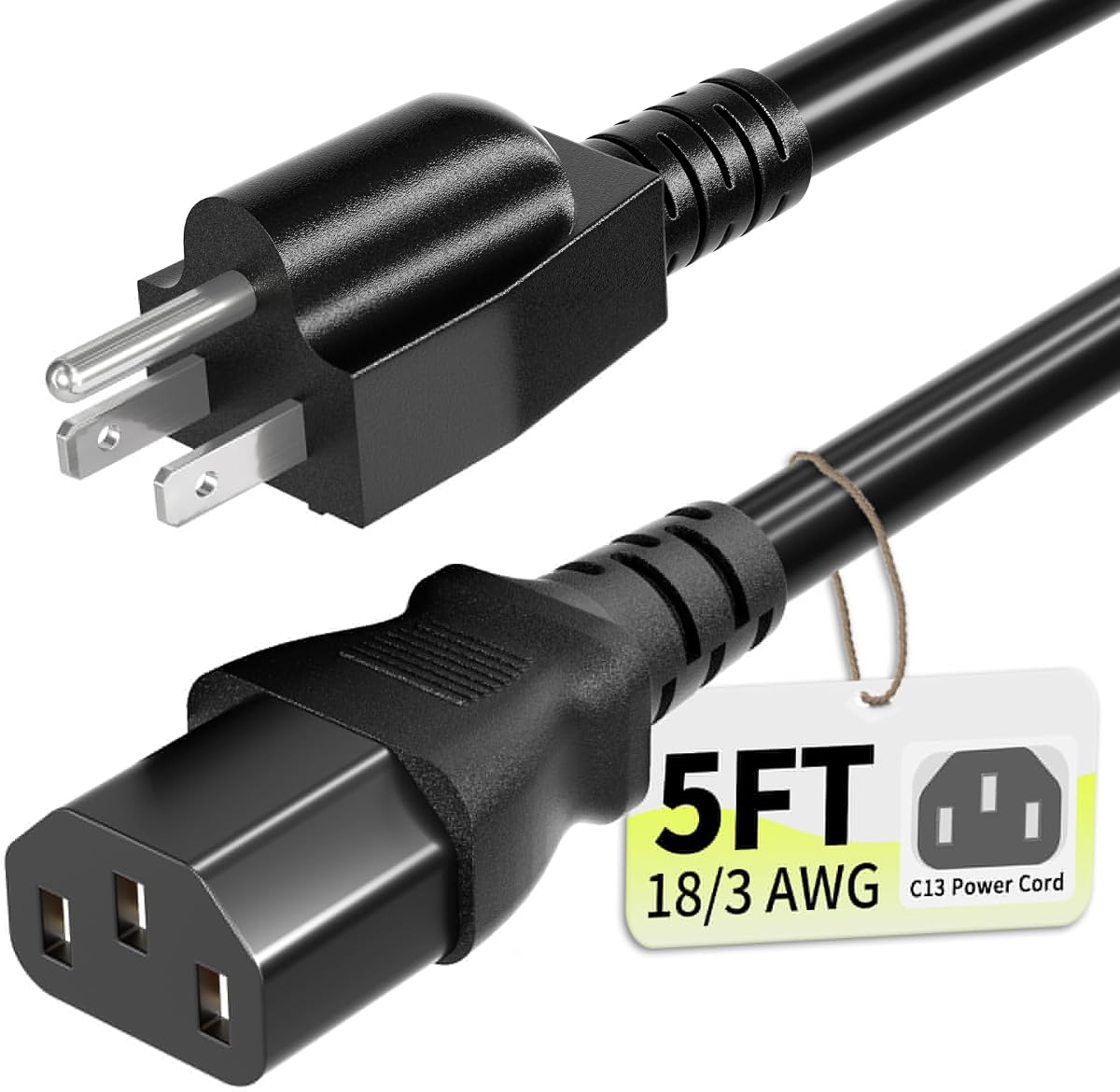
For users who simply need a standard cable replacement, this option delivers excellent value. It fits most monitors with a 3 pin connection and maintains a high satisfaction score.
We may earn a commission when you buy through this link, at no additional cost to you.
The heavy-duty 18 AWG gauge cord ensures durability while the molded design adds protection at connection points. It is a straightforward choice for extending reach or replacing a lost cable.
It lacks advanced features like voltage regulation, so it is only suitable for monitors with internal power supplies. The short length might not reach outlets behind desks without extension.
Choose this if you need a quick, cheap fix for a standard monitor. It is reliable enough for daily use without breaking the bank.
Works with almost any device using a standard 3 pin power connection including many Dell models.
Fully molded design provides maximum durability and long life for everyday use.
We may earn a commission when you buy through this link, at no additional cost to you.
This cord takes premium quality seriously by using 100 percent pure copper for maximum conductivity. It ensures stable power delivery with minimal energy loss during operation.
We may earn a commission when you buy through this link, at no additional cost to you.
Safety is paramount with ETL listing and a flexible PVC jacket that resists wear. The high conductivity material means your device gets consistent power without interference or voltage drop.
The price is higher than generic alternatives, reflecting the superior materials used. It is an excellent choice for audiophiles or professionals who demand top tier performance.
Invest in this if you want the best possible connection for your sensitive electronics. It provides peace of mind through certified safety and robust build quality.
Made of 100 percent pure copper to provide high conductivity and low power loss.
Tested for safety and compliance with ETL listing ensuring effective and safe use.
We may earn a commission when you buy through this link, at no additional cost to you.
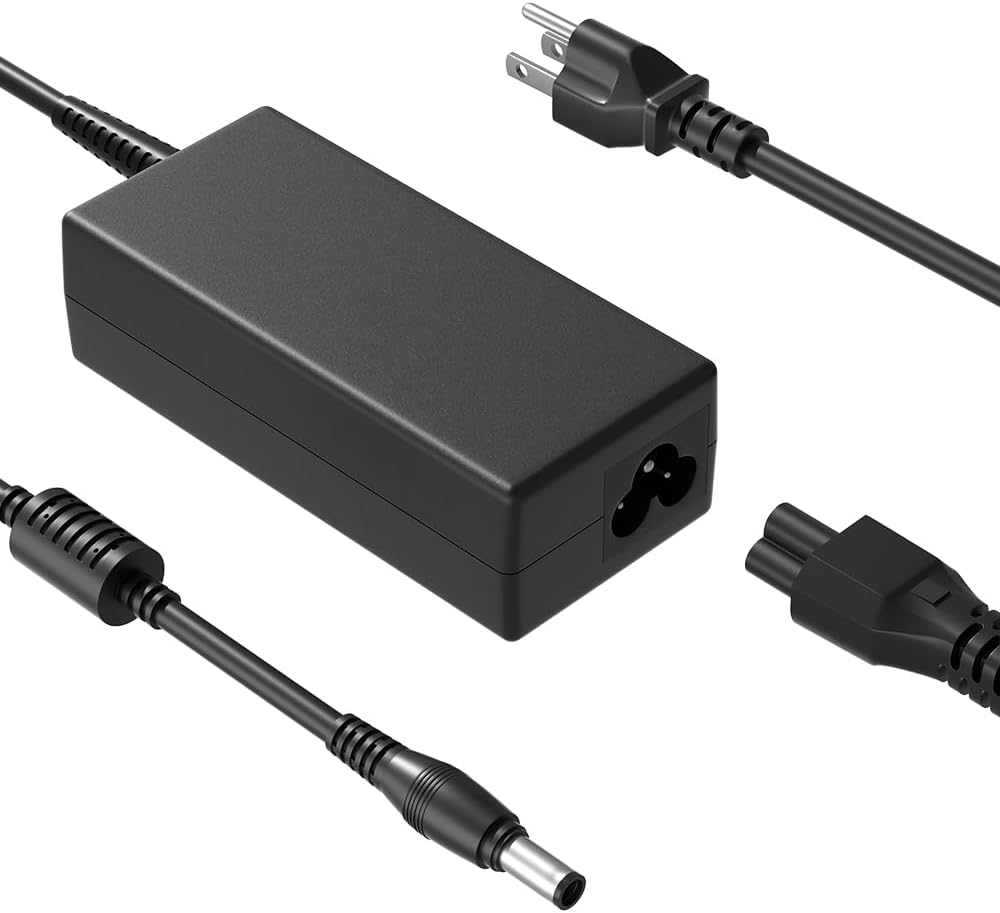
This adapter is designed for a wide range of Dell S series monitors needing 12V power. It includes both the adapter and a power cord for a complete solution.
We may earn a commission when you buy through this link, at no additional cost to you.
The global voltage range makes it useful for travel or international use without needing extra converters. Its compact size allows for easy storage in a desk drawer or travel bag.
While functional, the rating is lower than the top picks suggesting potential minor build inconsistencies. Ensure your model matches the list before purchasing to avoid return issues.
Select this if you have a compatible S22 model and need a full replacement kit. It offers good value for restoring power to older displays.
Input voltage range of 100-240V AC makes it ideal for worldwide use and international travel.
Certified with CE, FCC, and RoHS safety standards to ensure secure power delivery.
We may earn a commission when you buy through this link, at no additional cost to you.
This adapter stands out as the top choice for users needing a reliable power solution for specific Dell models. With a near perfect rating, it offers the stability required for professional and home office setups.
We may earn a commission when you buy through this link, at no additional cost to you.
The strict 19.5V output ensures your monitor receives exactly what it needs without fluctuation. Intelligent temperature monitoring prevents overheating during long sessions, protecting both the adapter and your expensive display hardware.
While it is priced higher than simple cables, the safety features justify the cost. It is not a universal fit for all Dell monitors, so verifying your connector size before purchase is essential.
Buy this if you own a compatible S or P series model and want peace of mind. It delivers consistent power that keeps your screen running without flicker or unexpected shutdowns.
The adapter provides a strict 19.5V output that matches Dell specifications exactly to prevent damage.
Built-in safeguards protect against overheat and short circuits while regulating internal temperature actively.
We may earn a commission when you buy through this link, at no additional cost to you.
This adapter serves a wide range of Dell S series monitors requiring 12V power. It is designed to deliver stable energy for everyday office use or home setups.
We may earn a commission when you buy through this link, at no additional cost to you.
A built-in chip adjusts power based on device temperature which helps maintain safety during extended operation. The global voltage support makes it versatile for users moving between different regions.
It is rated for devices up to 60W which might not support high power monitors. Always verify your monitor wattage before choosing this unit to ensure compatibility.
Choose this for S23 or S24 models that need a reliable power replacement. It offers good value and safety features for standard daily use.
Input Voltage range of 100-240V AC makes it ideal for worldwide use.
Built-in chip automatically adjusts power based on device temperature for safer charging.
We may earn a commission when you buy through this link, at no additional cost to you.
This charger offers an extended 8 foot cable which helps with placement behind large desks or stands. It is designed for high performance and safe operation in daily environments.
We may earn a commission when you buy through this link, at no additional cost to you.
The flame retardant materials add an extra layer of safety during operation. High quality construction ensures consistent performance without overheating issues during extended use.
The fixed cable length might not be ideal for all setups but the reach is generous. Ensure your monitor connector matches the 5.5×2.5mm tip before purchase.
Buy this if you need a longer cord for better desk management. It provides a secure connection with robust safety features for peace of mind.
Features an 8 ft cable for convenient placement and setup behind desks or stands.
Made with flame retardant material case and pure copper wire core for stable output.
We may earn a commission when you buy through this link, at no additional cost to you.
This power supply is specifically designed to support older Dell monitor models like the P1913. It maintains a perfect rating for reliability and compatibility among users.
We may earn a commission when you buy through this link, at no additional cost to you.
The 6 foot cable offers standard reach for most desk setups while using a universal 3 prong connection. It is a straightforward solution for restoring power to older hardware.
While effective for legacy models it may not support newer specific voltage requirements. Verify your monitor model number matches the list before ordering to ensure fit.
Select this if you are upgrading or maintaining an older Dell system. It is a cost effective way to keep legacy hardware running smoothly.
Designed to work with most PCs and monitors that use the 3-pin shroud power connector.
3 prongs USA standard power cable design ensures a secure connection for older units.
We may earn a commission when you buy through this link, at no additional cost to you.
This cable is tailored for a specific list of Dell monitors ensuring a perfect physical fit. Users report complete satisfaction with its performance and durability.
We may earn a commission when you buy through this link, at no additional cost to you.
It serves as a direct replacement for lost or worn cables without extra accessories. The 5 foot length is standard for most home and office setups.
Since it is cable only it requires a monitor with an internal power supply to function. This limits its use to models that do not use external power bricks.
Buy this if you own a listed E2014H or P series model. It is the simplest and most direct way to replace a damaged cord.
This power cable is used with specific Dell monitors to ensure a perfect physical fit.
Package includes cord only as pictured making it ideal for monitors with internal supplies.
We may earn a commission when you buy through this link, at no additional cost to you.
This power supply offers excellent cable length for setups where outlets are far from the monitor. It includes both the adapter and a cord for immediate use.
We may earn a commission when you buy through this link, at no additional cost to you.
Smart IC protection guards against electrical faults and helps keep the unit cool during operation. The quiet design ensures it does not add noise to your workspace.
It is not suitable for laptops or high wattage displays so check your requirements first. The reach is particularly useful for standing desks or floor outlet configurations.
Choose this for dual screen setups or desks with distant outlets. It balances performance with convenient length for challenging power scenarios.
The total cable length measures roughly 2.63 meters allowing sufficient length for standing desks.
Engineered to operate quietly in the background without noticeable coil whine.
We may earn a commission when you buy through this link, at no additional cost to you.
Selecting the right power connection requires understanding your monitor's voltage needs and connector types. This guide walks you through the critical factors to ensure safety and performance.
Every monitor requires a specific voltage and amperage to operate safely. Using a power supply that does not match these specs can damage internal components or cause shutdowns.
Check your old adapter or manual for the exact numbers before buying to prevent hardware issues.
Dell monitors use various barrel connectors with different diameters and pin configurations. A mismatched connector will not fit or may cause instability.
Measure your port size carefully or compare with the product images to ensure a perfect match.
Look for official safety certifications like ETL or UL listed on the packaging. These ensure the cord meets strict electrical safety standards.
Always prioritize certified products to protect your expensive electronics from electrical hazards.
The length of the cable should reach from your outlet to the monitor without tension. Quality materials like pure copper improve conductivity and durability.
Select a length that suits your desk layout to avoid tripping hazards or signal loss.
Some Dell models have internal power supplies requiring only a basic cord while others need an external adapter brick. Confirm which type your monitor uses before purchasing.
Buying a cord instead of an adapter brick will leave your monitor unusable if it needs external power.
Reputable sellers often provide warranties or customer support for their power products. This adds a layer of security in case of defects or issues.
Choose brands that offer clear support channels for better peace of mind with your purchase.
Affordable cords are common but may lack safety features or durability. Higher priced units often include better materials and protection circuits.
Balance your budget with the importance of protecting your monitor by investing in a quality option.
Many third-party adapters list specific model numbers they support. Reviewing this list is the most reliable way to ensure compatibility.
Avoid generic claims and look for exact model matches to prevent returns or fit issues.
Always unplug the power cord from the wall before connecting or disconnecting it from your monitor. This prevents electrical sparks and protects the port pins from damage.
Inspect the cable regularly for any signs of fraying or wear. Replace it immediately if you see exposed wires to avoid shock hazards or fire risks.
Keep the adapter and cord away from heat sources or direct sunlight. Excessive heat can degrade insulation over time and reduce the lifespan of the power supply.
Only if your monitor has an internal power supply and uses a standard 3-prong C13 connector. Many Dell models require specific external adapters with unique voltage and pin sizes. Always check your specific monitor model requirements before purchasing.
Using a lower wattage adapter may cause your monitor to turn off unexpectedly under load or fail to turn on. It can also strain the adapter leading to overheating or eventual failure. Always match the recommended wattage of your original supply.
You can measure the inner and outer diameter of the barrel tip using a caliper or compare it against a known reference. Most Dell models use this common size but variations exist. Checking the product description for model compatibility is the safest method.
Yes as long as the third-party adapter meets the correct voltage amperage and has proper safety certifications. Look for ETL or UL listed products to ensure they have passed rigorous testing. Avoid unknown brands that lack safety markings.
It is normal for power adapters to generate some heat during operation especially under load. However excessive heat may indicate a problem or poor ventilation. Keep the adapter in a cool place and ensure airflow is not blocked.
Only if both are damaged or missing. If the brick works fine you can simply replace the cord. If the brick fails you need a full adapter replacement. Verify which part is causing the issue before buying.
Our top picks highlight the balance between reliability and cost for various user needs. The 19.5V 65W adapter stands out for specific Dell models while standard cords serve universal cases well.
Prioritize safety certifications and voltage matching over price alone to protect your investment. A quality power supply ensures your display runs smoothly without unexpected interruptions.
Remember to check current prices and availability before buying since deals change regularly. With the right choice your monitor will stay powered and reliable for years of use.