
MAIWO Hard Drive Docking Station Cloner
4.5Editor score
Dual bay SATA support
USB 3.0 hub
Offline cloning mode
Finding the right hard drive duplicator cloner docking station is crucial for efficient data management. These devices allow you to copy, backup, and access drives quickly without complex software setup.
We compared ten top models based on transfer speeds, cloning capabilities, and compatibility with various drive types. Our analysis focuses on reliability, ease of use, and value for different user needs.
Each pick highlights key features and ideal use cases to help you decide. Remember that product availability and features may change over time so verify details before purchasing.
4.5Editor score

4.5Editor score

4.5Editor score
As an Amazon Associate we earn from qualifying purchases.
The following table provides a side-by-side overview of the top ten hard drive duplicator cloner docking stations. Each entry highlights core specifications to help you compare features at a glance.


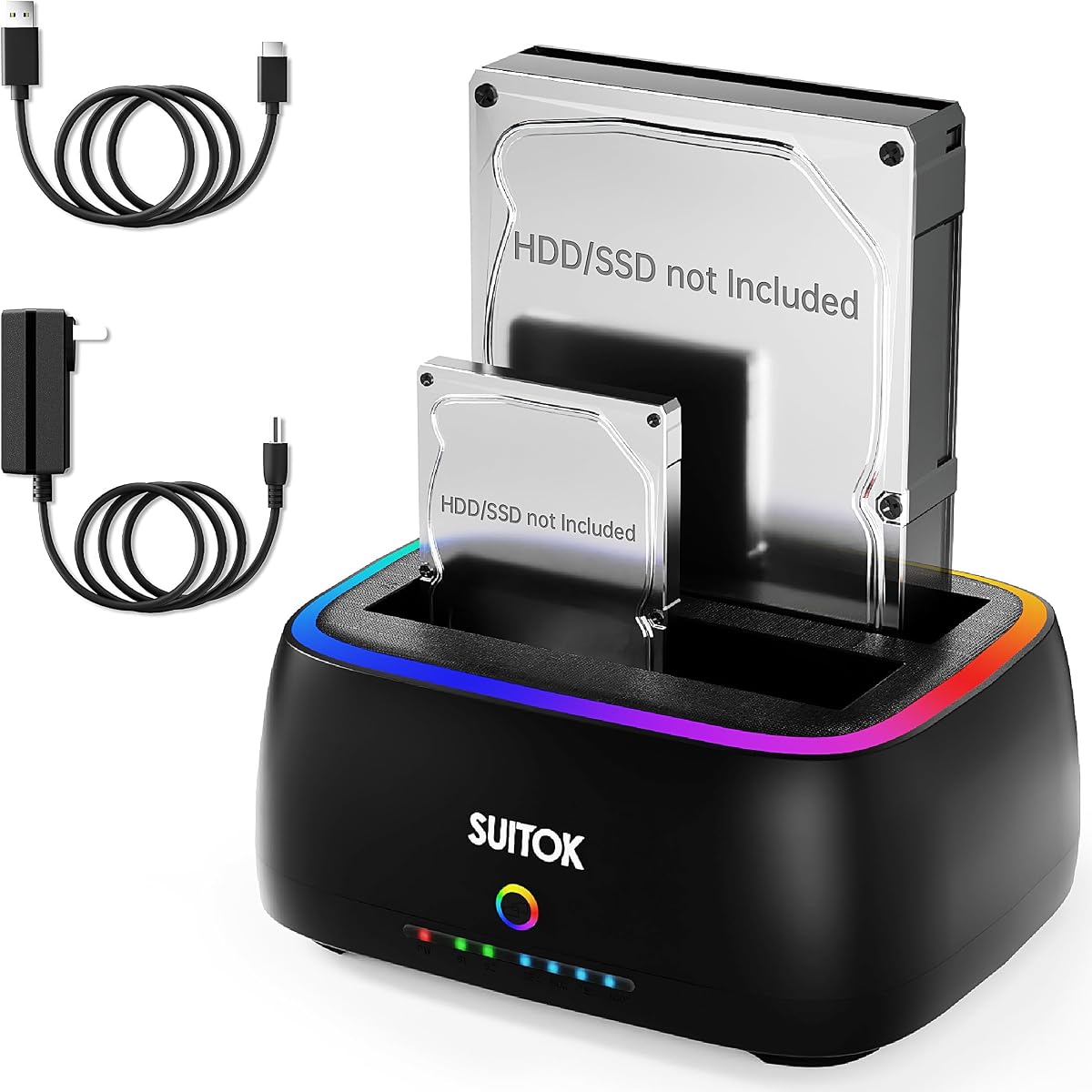

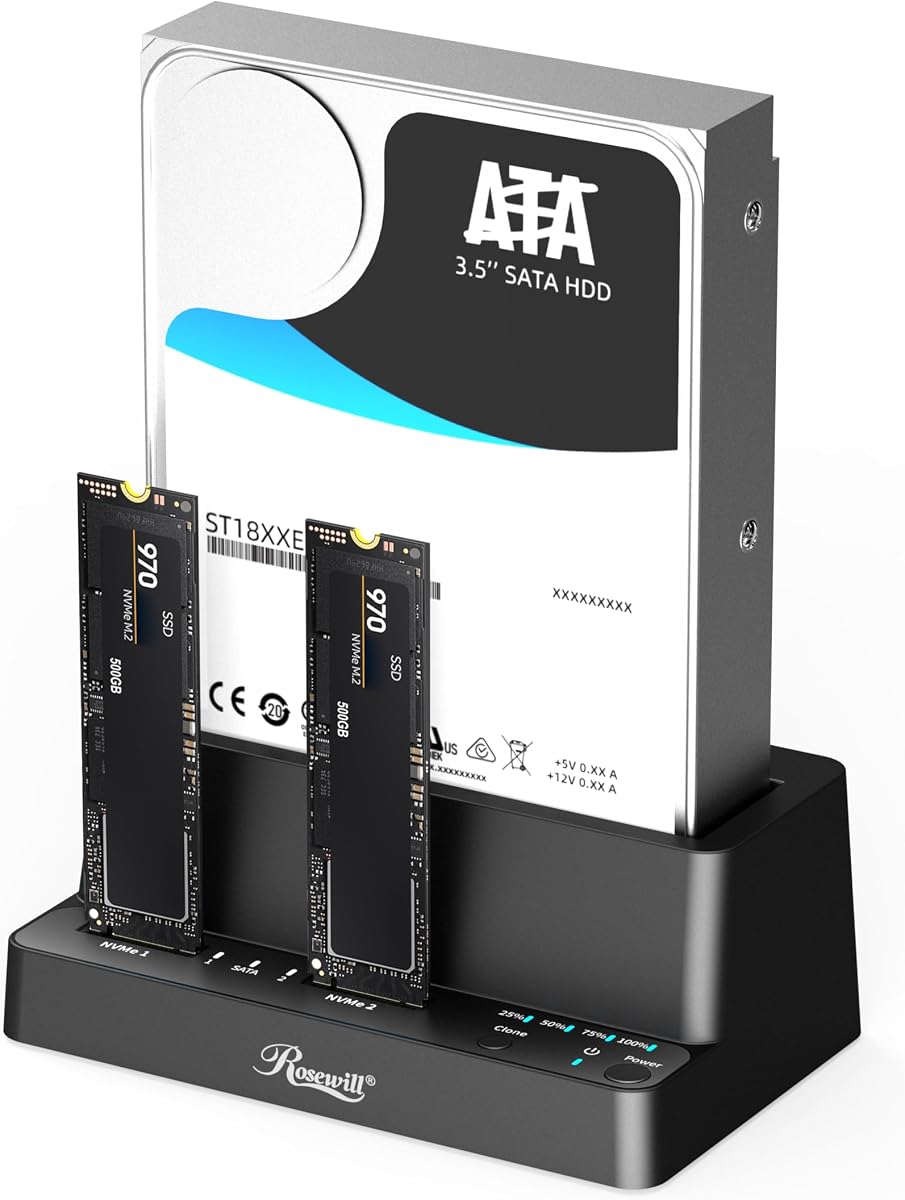


The ICY BOX USB-C 10Gbps NVMe Cloner stands out as a top choice for modern storage needs. With a high rating, it offers robust performance for both professionals and enthusiasts.
We may earn a commission when you buy through this link, at no additional cost to you.
Its triple-bay design allows simultaneous access to multiple drives. The support for NVMe and SATA drives ensures flexibility across different hardware setups. This adaptability makes it a versatile tool for various tasks.
While the price is higher than basic models, the added functionality justifies the investment. The lack of extensive documentation might be a hurdle for some users.
Ideal for those managing large datasets or needing fast cloning options. Its reliability and speed make it a strong recommendation for demanding workflows.
Supports NVMe and SATA drives for maximum flexibility.
USB 3.2 Gen 2 technology enables blazing-fast speeds.
We may earn a commission when you buy through this link, at no additional cost to you.
The SABRENT Dual-Bay USB-C docking station provides a solid solution for SATA drive users. It balances ease of use with reliable performance for everyday tasks.
We may earn a commission when you buy through this link, at no additional cost to you.
Its offline cloning feature works independently of a computer, saving time on direct transfers. The USB-C connection ensures compatibility with newer laptops and devices.
Limited to SATA drives, so NVMe users should look elsewhere. Some users may need an adapter for older USB-A ports.
Best for users needing quick backups of SATA SSDs or HDDs. Its straightforward operation makes it accessible for non-technical users.
Copy drives without connecting to a computer.
USB-C ensures wide compatibility with modern devices.
We may earn a commission when you buy through this link, at no additional cost to you.
The SABRENT USB 3.0 Dual Bay offers an accessible entry point for hard drive docking. It is well-suited for basic backup and file transfer needs.
We may earn a commission when you buy through this link, at no additional cost to you.
Its plug-and-play functionality requires no drivers, simplifying setup. Offline cloning ensures you can duplicate drives even without a computer nearby.
Speeds are limited compared to USB-C options. It lacks support for higher capacity drives beyond 10TB.
Ideal for home users or small offices with simple storage requirements. Its reliability and ease of use make it a practical choice.
No drivers needed for immediate use.
Duplicate drives without a computer connection.
We may earn a commission when you buy through this link, at no additional cost to you.
MAIWO provides a cost-effective solution for SATA drive docking. Its built-in USB hub adds convenience for connecting peripherals alongside drives.
We may earn a commission when you buy through this link, at no additional cost to you.
Offline cloning with LED indicators keeps you informed of progress. The 48TB total capacity supports large storage needs without breaking the bank.
Build quality is functional but not premium. Speeds are standard for USB 3.0.
Perfect for budget-conscious users needing extra connectivity. Its straightforward design ensures reliable performance for routine tasks.
Connect multiple devices simultaneously without extra adapters.
LED lights show real-time cloning status.
We may earn a commission when you buy through this link, at no additional cost to you.
This dual-bay model offers a balance of capacity and ease of use. Its vertical design aids in heat dissipation for better drive longevity.
We may earn a commission when you buy through this link, at no additional cost to you.
Support for TRIM and UASP optimizes performance for SSDs. The tool-free setup makes swapping drives quick and hassle-free.
Speeds are average compared to higher-end models. It lacks advanced features like extensive compatibility.
Recommended for users prioritizing cooling and basic efficiency. It provides solid performance for everyday docking tasks.
Enhances heat dissipation for better drive longevity.
TRIM and UASP support improves performance.
We may earn a commission when you buy through this link, at no additional cost to you.
StarTech delivers a professional-grade solution for high-volume cloning. The duplication speeds make it efficient for IT environments.
We may earn a commission when you buy through this link, at no additional cost to you.
USB 3.2 Gen 2 connectivity ensures fast data transfer. Its durable design stands up to frequent use in demanding settings.
Cost is higher than consumer options. Compatibility is limited to SATA drives.
Ideal for IT professionals needing reliable, fast duplication. Its support and build quality ensure long-term value.
Up to 28GB/min speeds for efficient workflows.
Includes lifetime technical assistance.
We may earn a commission when you buy through this link, at no additional cost to you.
Rosewill offers a versatile triple-bay option for diverse storage needs. It supports both M.2 and SATA drives with excellent speeds.
We may earn a commission when you buy through this link, at no additional cost to you.
Offline cloning simplifies backups without a host. The tool-free design ensures quick and easy drive swaps.
Price reflects its advanced features. Setup may require attention to detail.
Great for users needing to manage multiple drive types. Its speed and flexibility make it a strong contender.
Access multiple drives simultaneously for efficient workflows.
USB 3.2 Gen 2×1 ensures fast data transfers.
We may earn a commission when you buy through this link, at no additional cost to you.
The ORICO 5-bay station is designed for managing large volumes of data. Its 1:4 duplicator allows simultaneous copying of multiple drives.
We may earn a commission when you buy through this link, at no additional cost to you.
Aluminum housing provides durability and heat dissipation. Offline duplication simplifies mass backups without a computer.
The interface can be complex for casual users. Cost is significant for home setups.
Best for professionals managing extensive storage. Its capacity and multi-drive copying are unmatched.
Handles up to 100TB total capacity.
Copy multiple drives at once efficiently.
We may earn a commission when you buy through this link, at no additional cost to you.
WAVLINK offers a compact option for those needing simple docking. Its dual interface supports both USB-C and USB 3.0 for flexibility.
We may earn a commission when you buy through this link, at no additional cost to you.
UASP protocol ensures faster data transfers. Offline cloning adds convenience for direct drive duplication.
Limited to 16TB total capacity. Build is functional but basic.
Perfect for users with smaller storage needs. Its portability and dual connectivity make it practical.
Supports both USB-C and USB 3.0.
Ensures faster and more efficient data transfers.
We may earn a commission when you buy through this link, at no additional cost to you.
This premium model excels for advanced needs with secure data management. The 4-bay capacity and erasure tools are ideal for enterprise use.
We may earn a commission when you buy through this link, at no additional cost to you.
LCD menu provides clear navigation for tasks. IDE adapter ensures compatibility with legacy drives.
Significant investment for users with basic needs. Its bulk may be inconvenient for portability.
Best for IT departments managing sensitive data. Its security and capacity justify the premium cost.
Supports secure wiping for data protection.
Includes IDE adapters for older drives.
We may earn a commission when you buy through this link, at no additional cost to you.
Choosing the right docking station depends on your specific needs. Consider these key factors to find the best match.
Ensure the dock supports your drive types such as SATA SSD, HDD, or NVMe. Some models are limited to SATA only.
Check compatibility before purchasing to avoid issues.
USB 3.0 is standard but USB-C offers better speeds and port flexibility. Consider your computer's ports.
USB 3.2 Gen 2 provides faster transfers for modern drives.
Offline cloning allows direct drive-to-drive transfers without a computer. Verify if this feature meets your workflow.
Look for visual progress indicators for ease of use.
Single or dual bays suit basic needs while triple or more allow for complex tasks. Match to your usage.
More bays provide flexibility for managing multiple drives.
Higher speeds like 10Gbps benefit large file transfers. Match your speed to your data volume.
USB standards affect max transfer rates significantly.
Aluminum alloys offer better heat dissipation than plastic. Consider longevity and cooling needs.
Solid build ensures consistent performance over time.
Prices vary widely from basic to advanced units. Define your spending limit upfront.
Balance features with cost for best value.
Most support Windows and macOS but check Linux or Mac M-series compatibility. Ensure your system is supported.
Plug-and-play features simplify setup across platforms.
Connect the power adapter first to ensure stable voltage. Then insert drives into the bays firmly but gently.
Press the clone button and wait for the LEDs to indicate completion. Avoid unplugging during active transfers.
Clean the dock with a soft dry cloth regularly. Store in a cool dry place when not in use.
Most modern docks offer offline cloning without a computer. Just connect drives and press the clone button.
SATA is widely supported but NVMe requires specific docks. Check specs before purchasing.
Many support up to 10TB per bay but higher options exist. Confirm total capacity needed.
Most docks are plug-and-play with no drivers needed. Some may need updates for optimal performance.
Speeds vary but typically reach around 60Mbps. Faster USB connections improve overall performance.
Yes, cloning creates exact copies for backups. It is useful for data recovery.
Most dual bays support both sizes. Verify before purchase to ensure fit.
Most include a limited warranty. Check manufacturer policies for details.
This guide reviewed ten top models offering varied features for different users. Select based on your storage needs and budget.
Prioritize compatibility and speed for best results. Consider build quality for long-term reliability.
Always verify current availability and features as product lines evolve frequently.