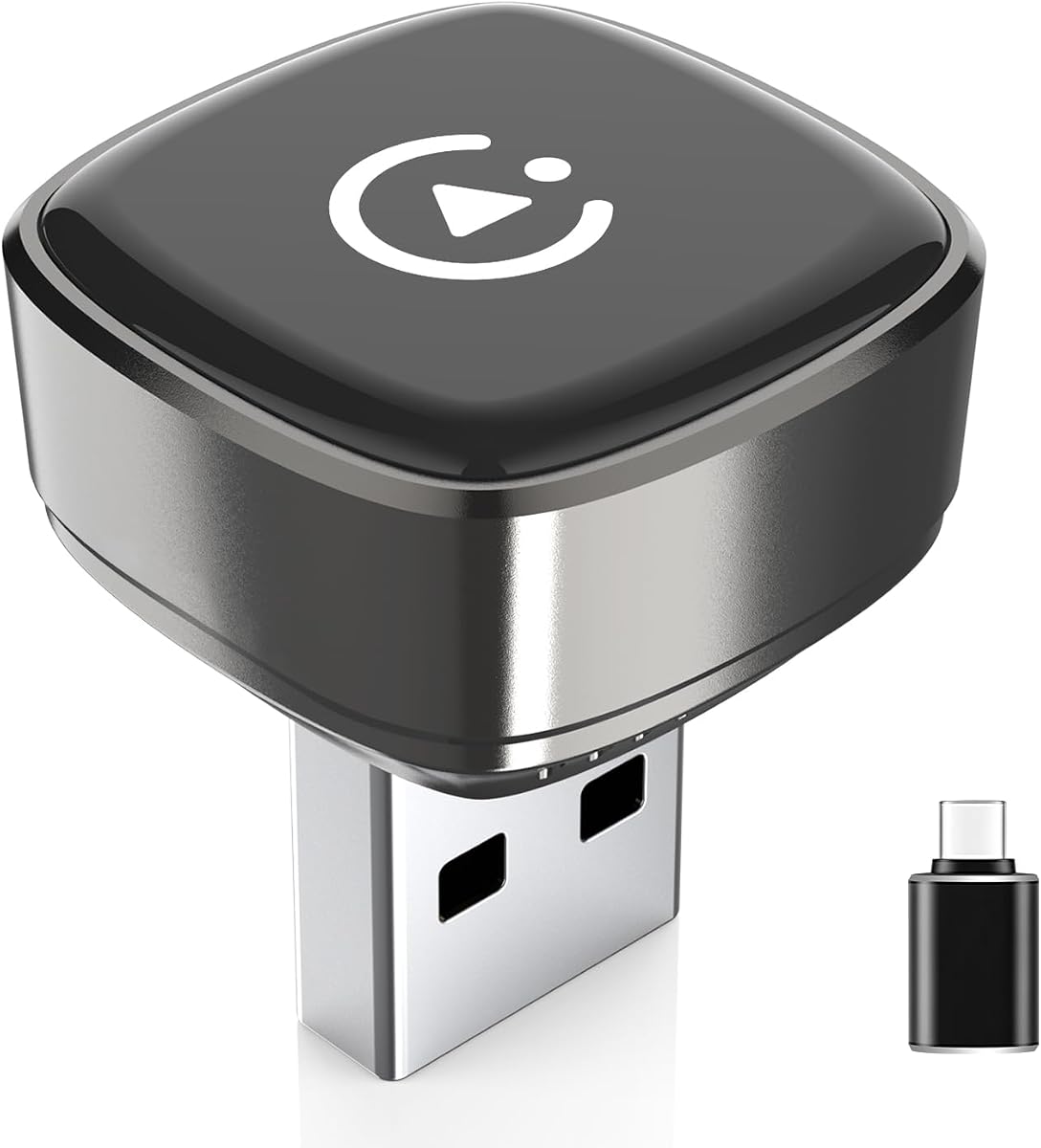
Wireless Carplay Adapter Grey
4.2Editor score
Affordable wireless conversion solution
Plug and play setup process
Compatible with 800 plus vehicles
Compare the top 10 Hulu Carplay adapters for 2026 including streaming capabilities, wireless performance, and compatibility features to choose the right one.
Finding the right adapter to stream Hulu in your car requires careful selection among wireless options that support video playback safely while driving or parked.
We analyzed ten leading products based on compatibility, streaming app support, connection stability, and user feedback to identify the most reliable solutions for your vehicle.
Each pick highlights key strengths and limitations so you can make an informed decision based on your car model and entertainment needs before prices change.
4.2Editor score

2.9Editor score

3.4Editor score
This side-by-side comparison reviews all ten products to highlight their unique specifications and streaming capabilities for your decision-making process.
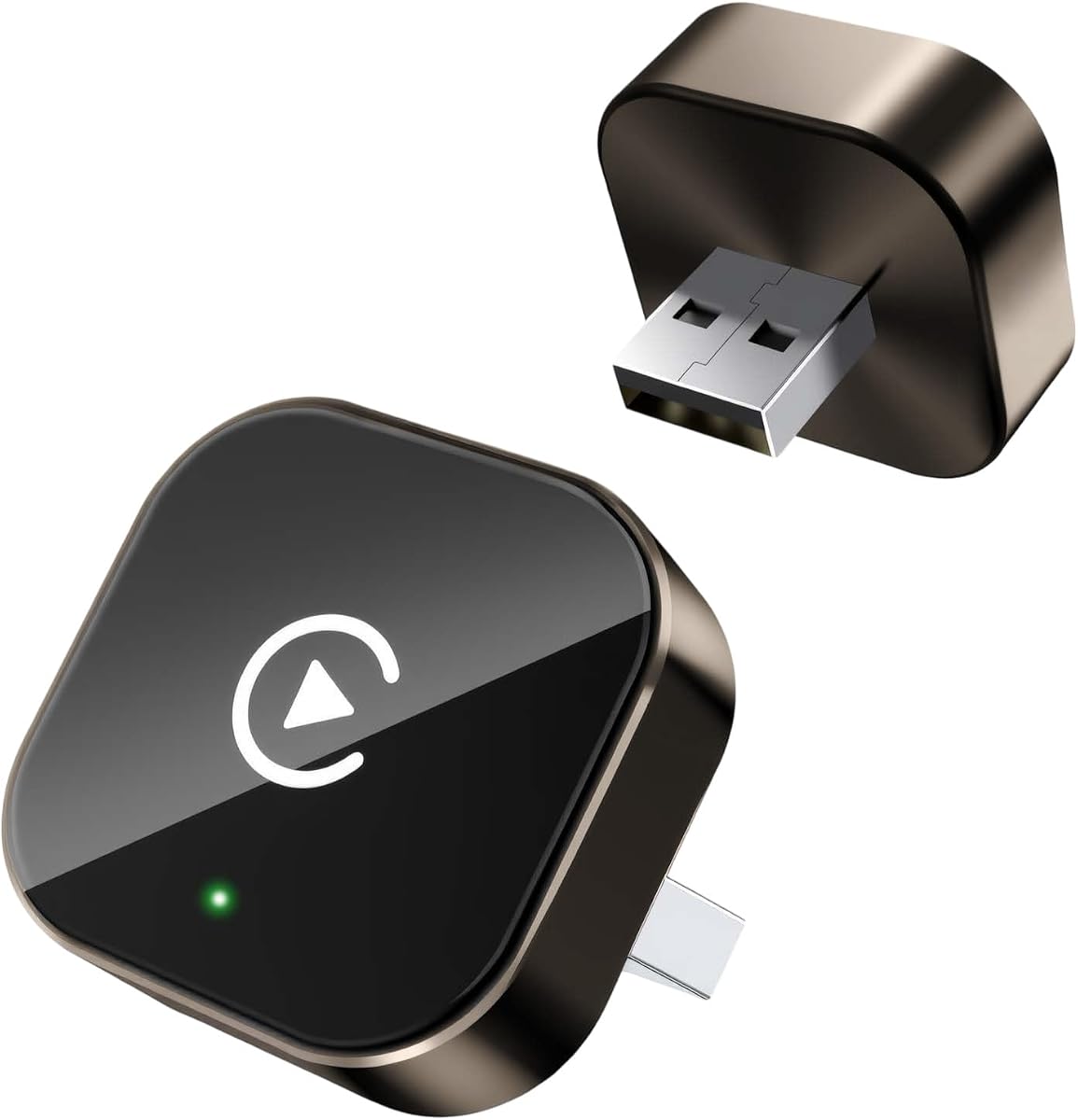


This adapter offers a straightforward way to convert wired CarPlay to wireless for vehicles that already support factory CarPlay systems.
We may earn a commission when you buy through this link, at no additional cost to you.
Its compact design and auto-reconnect feature ensure you do not have to plug in cables every time you start your car.
While it provides reliable core connectivity, it does not include built-in streaming apps for services like Hulu which limits in-car entertainment options.
Drivers seeking simple wireless connectivity without extra media features will find this adapter offers good value for its basic functionality.
The small form factor ensures it fits neatly in your car without obstructing ports or looking cluttered on your dashboard.
Once set up, the device automatically pairs with your phone when you start the engine saving you time on every trip.
We may earn a commission when you buy through this link, at no additional cost to you.
This unique adapter lets you choose two streaming apps from a list including Hulu which is rare for standard CarPlay wireless adapters.
We may earn a commission when you buy through this link, at no additional cost to you.
You can switch between apps to match your lifestyle whether you want sports movies or live TV while connected to your car.
The need for a touchscreen to access streaming and the reliance on internet connectivity mean you must have specific car features for full use.
If you prioritize in-car streaming flexibility and own a compatible touchscreen vehicle this is a top choice despite the lower user ratings.
Unlike fixed AI boxes you can pick which two apps to install giving you total control over your entertainment options in the car.
Streaming services require a touchscreen display to interact with the apps so check your vehicle capabilities before buying this specific model.
We may earn a commission when you buy through this link, at no additional cost to you.
This adapter focuses on connection stability with dual-band Wi-Fi and Bluetooth 5.4 to ensure smooth media and GPS performance while driving.
We may earn a commission when you buy through this link, at no additional cost to you.
Users report near-zero latency which is crucial for navigation and music playback without distracting delays or stuttering during long trips.
It does not support built-in streaming apps for services like Hulu but excels at providing a reliable wireless bridge for your phone.
Drivers who value performance and stability over extra media features will appreciate the consistent connection quality provided by this upgrade.
The combination of 2.4 and 5.8GHz Wi-Fi plus Bluetooth 5.4 ensures faster speeds and stronger signals than older adapters on the market.
The company provides lifetime technical support and firmware updates to keep your connection reliable as vehicle software evolves over time.
We may earn a commission when you buy through this link, at no additional cost to you.
Designed for factory-wired CarPlay vehicles this adapter simplifies your drive with a three-step setup and automatic reconnection every time you start the car.
We may earn a commission when you buy through this link, at no additional cost to you.
The metal casing ensures durability for long-term use while the auto-reconnect function saves you from manually pairing devices on every trip.
Like most standard adapters it focuses on wireless functionality rather than streaming apps meaning you cannot access Hulu directly through this device.
For owners wanting a hassle-free wireless upgrade without added complexity this adapter offers solid reliability and build quality at a fair price point.
The setup process involves plugging into USB pairing via Bluetooth and enjoying wireless CarPlay instantly which takes only minutes to complete.
High-quality metal casing makes the adapter scratch-resistant and able to withstand heat and physical stress during daily driving conditions.
We may earn a commission when you buy through this link, at no additional cost to you.
This adapter stands out by allowing multiple users to connect seamlessly which is ideal for families sharing a vehicle with different phones.
We may earn a commission when you buy through this link, at no additional cost to you.
Powered by an 8-core processor and 5.8GHz Wi-Fi it offers fast transmission rates that reduce lag for maps and messaging apps.
The design focuses on performance and multi-user convenience rather than entertainment streaming so it does not support Hulu or similar services.
Families who need quick switching between iPhones will find the seamless connection feature particularly useful for daily commuting and road trips.
Different passengers can pair their own devices and switch between them quickly without needing to unplug or reset the adapter manually.
The 8-core processor helps ensure transmission rates are faster than typical adapters so your apps load and navigate without delay.
We may earn a commission when you buy through this link, at no additional cost to you.
This adapter allows you to plug in a streaming stick like Fire Stick to access Hulu on your car screen while maintaining wireless CarPlay.
We may earn a commission when you buy through this link, at no additional cost to you.
It provides dual functionality so you can enjoy CarPlay navigation and streaming entertainment at the same time without sacrificing one feature.
Note that it requires an external HDMI device for streaming meaning you must buy and set up your own streaming stick to watch Hulu.
Drivers wanting a flexible media hub setup will appreciate the ability to connect external devices for on-demand entertainment during longer journeys.
By supporting HDMI input you can choose any streaming stick you already own giving you full control over your content library.
The adapter lets you use CarPlay for navigation while streaming video in the background creating a truly connected entertainment environment.
We may earn a commission when you buy through this link, at no additional cost to you.
This adapter features a 5-second auto-connect function after initial setup making it one of the fastest to establish connection when you start your car.
We may earn a commission when you buy through this link, at no additional cost to you.
It supports AirPlay and Screen Mirroring so you can project content from your phone to the car screen though DRM apps like Hulu are restricted.
The 4-in-1 chipset covers CarPlay Android Auto AirPlay and mirroring offering broad compatibility but it does not run apps directly internally.
Drivers who want fast connection times and mirror their phone screen for presentations or media will find this adapter useful for connectivity.
After the first 15-second pairing the device reconnects in just 5 seconds which reduces wait time significantly on every single drive.
Built-in AirPlay allows you to wirelessly project audio and video from your iPhone to the car screen for broader content access.
We may earn a commission when you buy through this link, at no additional cost to you.
This adapter comes with pre-installed video apps including Netflix and YouTube which offers a convenient way to access entertainment without external devices.
We may earn a commission when you buy through this link, at no additional cost to you.
It uses dual WiFi to separate navigation and streaming traffic ensuring that your maps stay smooth while video loads on the screen.
Be aware that additional app downloads are not supported so you are limited to the specific apps pre-installed on the device itself.
Families looking for built-in entertainment options for passengers might find this useful although you must ensure your vehicle meets compatibility requirements.
One WiFi handles CarPlay while the other connects to hotspot for streaming which keeps navigation stable during video playback sessions.
You can also play offline movies from a USB drive which is helpful for areas with poor internet signal during long road trips.
We may earn a commission when you buy through this link, at no additional cost to you.
This adapter is a budget-friendly choice that converts wired CarPlay to wireless using a simple plug and play process suitable for 800 plus vehicles.
We may earn a commission when you buy through this link, at no additional cost to you.
Its small size allows it to hide away behind the console so it does not clutter your car interior while keeping your dashboard clean.
It supports one phone connection at a time meaning you cannot switch users quickly but it serves single-driver households well.
If you want the most affordable way to get wireless CarPlay without extra features this adapter provides solid basic performance at a low cost.
The mini design allows you to hide the adapter easily out of sight while still keeping the connection stable and accessible.
Setup requires only plugging into USB and pairing once so you can start using wireless CarPlay in minutes without technical knowledge.
We may earn a commission when you buy through this link, at no additional cost to you.
This adapter converts both factory wired CarPlay and Android Auto into wireless which is perfect for households using both iPhone and Android phones.
We may earn a commission when you buy through this link, at no additional cost to you.
The ultra-compact design sits flush with the USB port keeping your car interior neat without dangling wires or bulky hardware blocking ports.
It focuses on wireless connectivity for navigation and calls meaning it does not support built-in streaming apps for services like Hulu directly.
Users who need flexibility between operating systems will find this adapter offers reliable switching and fast reconnection for a unified car experience.
The device handles both CarPlay and Android Auto systems so families can switch between devices without swapping adapters or cables manually.
The tapered design plugs in tightly and sits flush with the port so the adapter remains nearly invisible once installed in your car.
We may earn a commission when you buy through this link, at no additional cost to you.
Choosing the right adapter depends on your car model desired features and streaming capabilities to ensure a smooth in-car experience.
Most adapters require your vehicle to already have factory-wired CarPlay or Android Auto built into the system. Check your owner manual or test a USB connection to confirm compatibility before purchasing.
Ensure your car supports the necessary Bluetooth and Wi-Fi protocols to avoid connection issues after buying the device.
If your goal is to watch Hulu some adapters have built-in apps while others require external streaming sticks or HDMI connections. Determine if you want a dedicated media hub or just wireless phone mirroring.
Apps with DRM restrictions may not work on all adapters so verify streaming support details specifically for the services you plan to use.
Look for adapters using dual-band Wi-Fi and modern Bluetooth versions like 5.3 or 5.4 to ensure stable signal transmission. A weak connection can cause lag in navigation or interruptions during calls.
Prioritize products with positive user reviews regarding signal strength on bumpy roads or during long drives to avoid frequent disconnections.
Ideally choose an adapter that offers plug and play setup requiring only basic pairing via Bluetooth. Complex setups might require apps or coding which can be frustrating for non-technical users.
Verify that the device supports auto-reconnect so it pairs automatically every time you start the car without manual intervention.
Adapters made with metal casings or high-quality materials tend to dissipate heat better and last longer than plastic versions. A compact design ensures it does not clutter your console or block other ports.
Check if the device includes USB-A and USB-C cables to fit different car port types without needing extra adapters.
For families sharing one vehicle an adapter that supports multiple phone profiles is useful. This allows different drivers to switch between devices seamlessly without re-pairing every time.
If you only use one phone this feature may not be necessary so you can prioritize other performance aspects instead.
Check for lifetime technical support or firmware updates to ensure the device works with future iOS or Android updates. Warranty periods can range from one year to indefinite depending on the brand.
A brand that provides regular updates is more likely to fix bugs and improve connection speed over the lifespan of your vehicle.
Basic wireless adapters are often cheaper than smart AI boxes that include streaming apps. Decide if you need extra features or just reliable wireless connectivity for navigation and music.
Compare the total value by weighing the cost against the included accessories and support services offered by the manufacturer.
To install the adapter plug it directly into your car's USB port and pair it with your phone via Bluetooth and Wi-Fi settings in the first setup.
Once connected ensure your car is parked while pairing to prevent safety issues then enjoy wireless CarPlay or streaming whenever you start the engine.
Keep the adapter in a cool dry place when not in use and avoid exposing it to extreme heat or moisture to maintain long-term performance.
Not all adapters support streaming video directly. Some require external HDMI devices or streaming sticks to access Hulu while others have built-in apps. Check the product specifications for streaming capabilities before buying.
No, these adapters are designed for factory-wired CarPlay systems. If your car already has wireless CarPlay you do not need an adapter to connect wirelessly.
Streaming video is generally unsafe while driving. Many devices disable video playback while the car is in motion to ensure driver safety and compliance with traffic laws.
Yes streaming apps like Hulu require an internet connection. You can use a mobile hotspot or connect the adapter to your home Wi-Fi network when parked.
Some adapters support multi-user profiles allowing you to switch between phones. Others connect to one device at a time so check product details for user limits.
The hardware itself does not require a subscription but streaming apps like Hulu require their own active subscription plans to access content on the screen.
We have reviewed ten top adapters that offer various features from simple wireless conversion to advanced streaming hubs for your car entertainment.
Prioritize compatibility and streaming needs to find a device that matches your vehicle and daily driving requirements effectively.
Prices and availability may change so check current listings on trusted online stores before making your final purchase decision.